Practical AI Skills
Build Real AI Skill: A Four-Week Practice Plan for Better Work
Develop practical AI fluency through clear briefs, evidence checks, reusable workflows and measured practice across the work you actually do.

In this guide
- The useful starting point
- Choose a work product, not an identity
- Week one: learn to give a complete brief
- Week two: build your review skills
- An illustrative example: a consultant's discovery brief
- Week three: connect assistance into a dependable workflow
- Week four: measure and teach what you learned
- Keep learning without chasing every release
- Questions you might be asking
- Sources and further reading
The useful starting point
Practice four capabilities: define a useful task, provide the right context, evaluate the output and improve a repeatable workflow. Use real constraints and representative examples. AI skill is demonstrated by work you can explain and verify, not by knowing every new tool.
Being good with AI does not mean having a clever prompt for every situation. It means knowing what help to request, what information to provide and when an answer needs correction. It also means recognizing when the assistant is adding work instead of removing it.
A four-week practice plan can give you a useful foundation. It cannot make you an expert in every profession or guarantee exceptional results. Choose one area where you already have enough knowledge to judge quality, then develop a process you can explain to somebody else.
Choose a work product, not an identity
Pick something you create regularly: a lesson outline, a customer interview summary, a project brief, a campaign analysis or a coaching session plan. Write down who uses it and what makes it useful. That gives your practice a purpose beyond becoming “an AI master.”
Start with approved, public or fictional inputs. Keep the scope narrow enough to inspect every result. If you are learning a new subject at the same time, include a trusted reference or qualified reviewer rather than asking the model to judge itself.
Week one: learn to give a complete brief
Practice stating the goal, audience, relevant facts, constraints and desired output. Include an example when words alone leave room for interpretation. Ask the assistant to identify missing information before it starts if the omission would change the result.
Compare a few versions of the brief on the same task. Notice which details improve usefulness and which merely make the prompt longer. Keep a short reusable template. Effective context is relevant context; a large collection of documents can obscure the material that matters.
Help me produce [work product] for [audience] so they can [action]. Use these approved inputs: [inputs]. The quality criteria are [criteria]. Respect these constraints: [constraints]. Identify missing information that would materially affect the result. Provide a draft, then identify assumptions and checks I should perform. Do not invent evidence, decisions or completed actions.
Week two: build your review skills
Create a checklist before generating the output. Include factual accuracy, completeness, relevance and the needs of the recipient. Check calculations independently where appropriate. Open sources instead of accepting a plausible citation, and compare summaries with the material they claim to represent.
Use a few deliberately difficult examples: missing information, conflicting instructions or a case that should be escalated. Record how the assistant behaves. The aim is not to embarrass the tool. It is to learn where your process needs a stronger boundary or a different method.
An illustrative example: a consultant's discovery brief
Imagine a consultant preparing for a fictional client conversation. The input contains a business goal, three observed problems and two unconfirmed assumptions. The assistant drafts a brief with questions and possible next steps. The consultant's review checks whether observations remain separate from assumptions and whether the questions are neutral.
In the first version, the assistant describes a suspected cause as established fact. The consultant changes the brief template to require explicit labels and retests it on another example. The improvement is not merely a nicer prompt; it is a clearer standard that can be checked repeatedly.
This illustrative workflow could support many roles. A marketer checks campaign claims, a designer checks research interpretations, a teacher checks explanations and a business owner checks operational assumptions. Each person needs domain knowledge to judge what matters.
Week three: connect assistance into a dependable workflow
Write the sequence from input to finished work. Identify where a person reviews, decides or acts. You may discover that a simple saved prompt and checklist are enough. Add automation or connected tools only when they solve a real limitation and the permissions fit the task.
Gather a complete, approved input and record where it came from.
Generate the draft using the brief you have tested.
Review against the quality checklist and correct unsupported claims.
Have the responsible person approve any consequential action.
Check the actual result and record problems for the next iteration.
Keep a fallback. If the tool is unavailable or produces an unusable output, you should know how to finish the task another way. Reliability includes the ability to continue when assistance fails.
Week four: measure and teach what you learned
Compare representative examples with your earlier process. Count preparation, generation, checking and rework. Ask the recipient whether the output is easier to use. A faster draft that creates more downstream confusion is not an improvement.
Prepare a one-page guide containing the purpose, inputs, prompt, checks, limitations and fallback. Let someone else try a fictional example. Their questions reveal missing instructions that familiarity may have hidden from you.
Keep learning without chasing every release
Reserve a small amount of time to review official updates and test a new capability when it addresses a specific problem. Record the product, relevant version or feature and date checked. Compare it on your existing examples rather than rebuilding your routine around a demonstration.
If progress stalls, shrink the task or strengthen your subject knowledge. If the assistant consistently fails an important check, keep that step with a person or use a more suitable tool. Practical mastery grows from this judgment: knowing when to ask, how to inspect and what to improve next.
Questions you might be asking
What is the most important AI skill to learn first?
Defining a useful task and a clear quality standard is a strong starting point. Without those, it is difficult to choose a tool or tell whether the result is good.
Do I need to code to use AI well?
No. Many useful workflows involve research, drafting, comparison and structured review. Coding can expand what you build, but it does not replace problem definition or evaluation.
How should I choose which new tools to learn?
Start with a limitation in your current work. Check official capabilities and access requirements, then compare the tool on representative tasks using quality, complete effort and cost appropriate to your situation.
Sources and further reading
- Anthropic: Effective context engineering
- Anthropic: Building effective agents
- Anthropic: Demystifying evaluations
- METR: Measuring developer productivity with AI assistance
Sources checked October 16, 2026. Review the linked publisher information for current details.
Put one idea to work
Use one lesson in a small project, explain what you learned, and practice again without relying on the answer.
Try the free workshop →Explore more from AI TeachersGet the free AI at Work Starter Kit →Keep practicing
 Useful AI Beats Hype · AI skills: step by step
Stop starting from scratch. Build an AI skill you can use again.
An illustrated guide to creating, testing and reusing your first AI skill, with practical examples for five kinds of work.
November 1, 2026 · 9 min read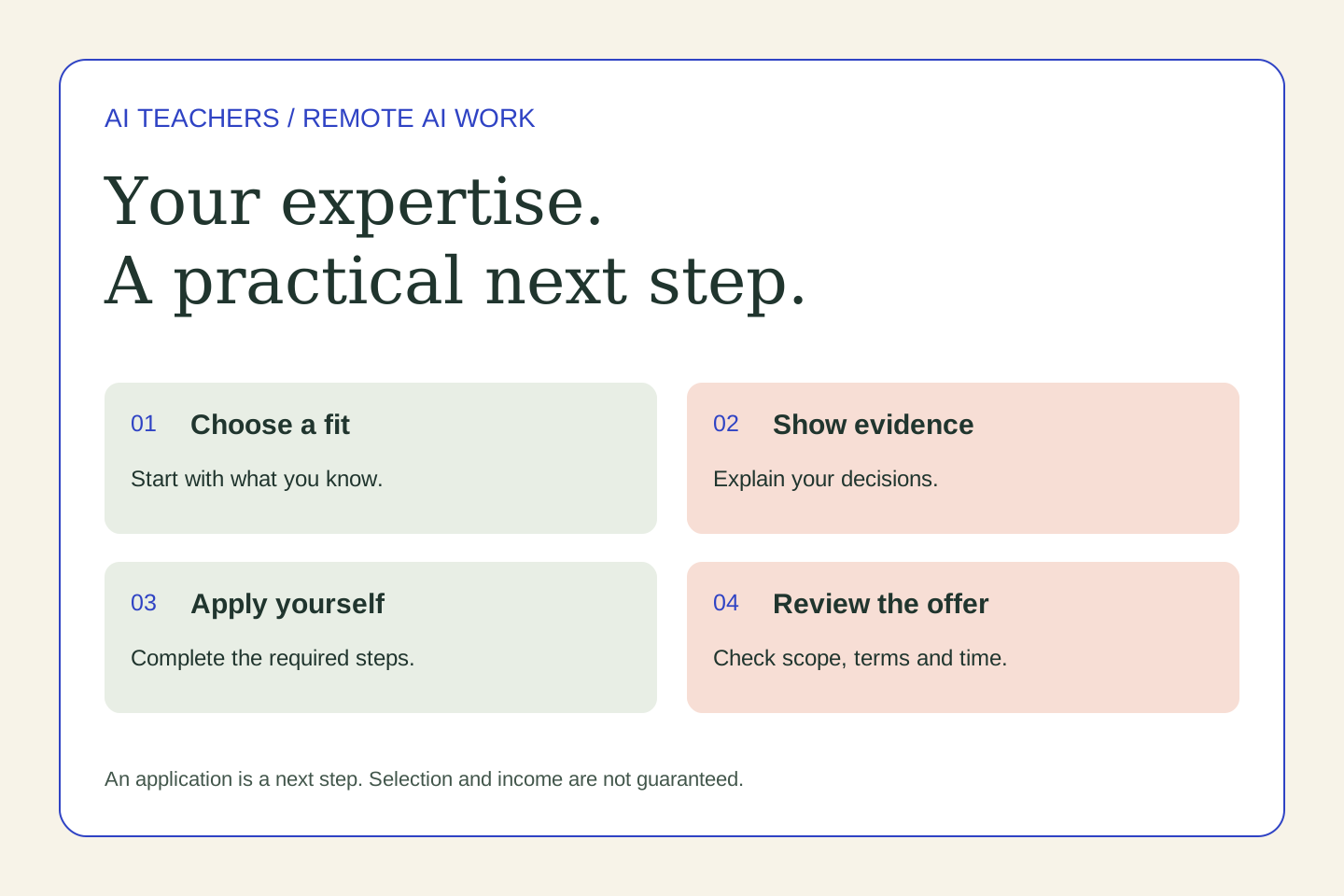 Remote work & AI
From explaining your expertise to remote AI work: how Mercor works
Clear explanations and careful feedback are useful professional skills. Explore how they relate to AI training projects, what Mercor applicants should expect, and how to practice before applying.
October 31, 2026 · 5 min read