MCP workflows
Learn MCP through real tasks: ten connections and a first-week practice plan
Choose useful MCPs for adult learners developing practical AI skills. Compare tasks, costs, review needs, and a first-week test that protects your time.
In this guide
- The useful starting point
- Pick the outcome before the connection
- To save time, remove one repeated handoff
- To save money, count the entire workflow
- To create income, attach the tool to a valuable service
- To make life better, protect what the saved time is for
- A first-week experiment
- A useful default stack
- Continue with a related guide
- Questions you might be asking
- Sources and further reading
The useful starting point
Choose MCPs by the job: Upwork for work opportunities, Shopify for commerce, Zapier or Make for app handoffs, Notion and Todoist for organization, and GitHub, Figma, Stripe, or Supabase for specialist workflows. Test one before expanding.
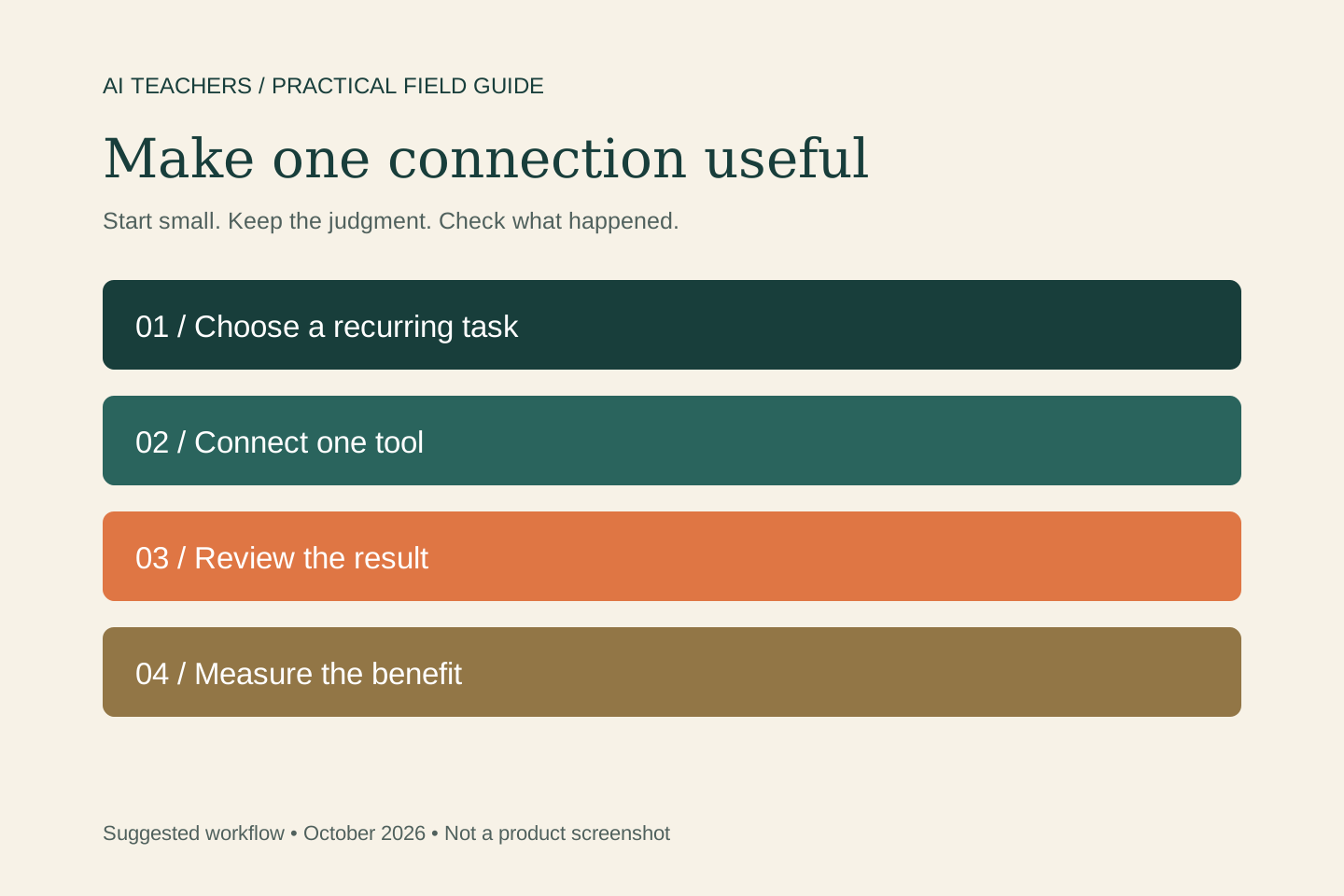
Practice one read-only task before one write. First find a document or summarize a task list. Then prepare a proposed change, explain it in your own words, and approve it only when it matches your intention. This progression makes the idea of tool access concrete.
Pick the outcome before the connection
MCP is a way for an AI application to use connected tools and information. The useful question is which repeated task becomes easier to complete and check. The recommendations below are selected for concrete jobs and official documentation, not affiliate payout or promised income. They are current research recommendations, not a claim of hands-on testing of every service.
| MCP | Best starting use | A small trial | What to check |
|---|---|---|---|
| Upwork | Find or hire specialist work | Compare three projects with your actual portfolio evidence. | Check proposal terms, Connects, and confirmation; work is not guaranteed. |
| Shopify | Build and operate a commerce workflow | Review one product page or explore the correct commerce MCP surface. | Separate developer, merchant, and buyer access; confirm current eligibility. |
| Zapier | Connect work across business apps | Prepare a task or record update from approved information. | Enable only needed actions and check usage costs. |
| Make | Run a defined automation | Expose one tested scenario with clear inputs and outputs. | Plan duplicate handling, failures, and scope restrictions. |
| Notion | Find and maintain working knowledge | Turn approved notes into a decision page with source links. | Review workspace access and distinguish evidence from inference. |
| Todoist | Reduce forgotten commitments | Capture agreed tasks and review a realistic weekly list. | Verify dates and avoid filling every free hour. |
| GitHub | Shorten engineering coordination | Summarize an issue and prepare a focused code-review brief. | Inspect changes and tests before merging or deploying. |
| Figma | Carry design context into delivery | Inspect a selected design and prepare implementation questions. | Check visual fidelity, accessibility, and the user’s actual task. |
| Stripe | Understand and support payment workflows | Inspect an authorized business workflow or research an integration. | Start in the appropriate test environment; review live money actions. |
| Supabase | Work with application data and backend context | Inspect a development schema and plan a bounded improvement. | Use a scoped development project and review data access before changes. |
To save time, remove one repeated handoff
Choose a task you repeat each week: locating a brief, copying approved action items, preparing a project review, or assembling a job shortlist. Record how long it takes today. Connect the system that holds the relevant information and ask for one output. Include review time when comparing the new process with the old one.
To save money, count the entire workflow
Check whether the connection duplicates something you already pay for. Include the AI subscription, connector or automation usage, third-party app costs, setup, correction, and ongoing maintenance. A useful formula is: time saved multiplied by the value you assign that time, minus tool costs and extra review effort. Treat that as your planning estimate, not a guaranteed saving.
To create income, attach the tool to a valuable service
A connection can help you research a buyer, deliver a project, or operate a store. It does not create demand by itself. For this audience, test an AI-assisted FAQ review for a small business. Use a real sample, a clear scope, and a customer conversation. Keep the first offer small enough that you can deliver and learn without pretending to have skills you do not have.
To make life better, protect what the saved time is for
For everyday use, Todoist and Notion can be useful starting points for commitments and information. An approved calendar or email action through a bridge can reduce another handoff when needed. Keep shared schedules accurate and personal data limited to the task. Decide in advance what the recovered time supports: rest, family, a hobby, or a focused project. No MCP can guarantee happiness.
A first-week experiment
Choose one task and one connection. On the first attempt, request a read-only summary. Next, prepare a small change for review and verify its result. Repeat the workflow on another example and record mistakes. At the end of the week, compare time, cost, output quality, and how much attention it required. Keep, narrow, or remove the connection based on that evidence.
Help me choose one connected workflow for this recurring task. First explain the required access, the expected output, and how I will check it. Start with a read-only review. Separate facts from guesses. Before changing records or spending money, show the exact proposed action. After an approved action, verify what happened and report anything unfinished.
A useful default stack
For most nontechnical readers, start with the system where you already keep tasks or notes. Add Upwork when seeking or hiring freelance help, Shopify when running commerce, or GitHub and Figma when shipping software. Choose one automation bridge when you need it. Installing all ten is not a success measure; completing a useful task with less effort is.
Continue with a related guide
Learn Upwork MCP by building an evidence-based freelance proposal · A hands-on Shopify AI lesson: improve one product page and check the result
Explore the wider tool-learning library at AI Superpower.
Questions you might be asking
Which MCP should I start with?
Start with the official connection for the app that already holds the information for one recurring task. Prefer a narrow read-only trial before allowing changes.
Do MCPs save money automatically?
No. Subscriptions, usage, setup, and review can outweigh the benefit. Compare the whole workflow and remove connections that do not earn their place.
Can an MCP make me happier or successful faster?
It may reduce friction and free time for meaningful work or life outside work. Those are possibilities to test, not guaranteed personal or financial outcomes.
Sources and further reading
- Upwork: official MCP
- Shopify: AI Toolkit
- Zapier: MCP quickstart
- Make: MCP server
- Notion: MCP
- Todoist: official developer platform
- GitHub: official MCP server
- Figma: MCP setup
- Stripe: MCP
- Supabase: MCP
Sources checked October 20, 2026. Review the linked publisher information for current details.
Put one idea to work
Use one lesson in a small project, explain what you learned, and practice again without relying on the answer.
Try the free workshop →Explore more from AI TeachersGet the free AI at Work Starter Kit →Keep practicing
 Freelance work
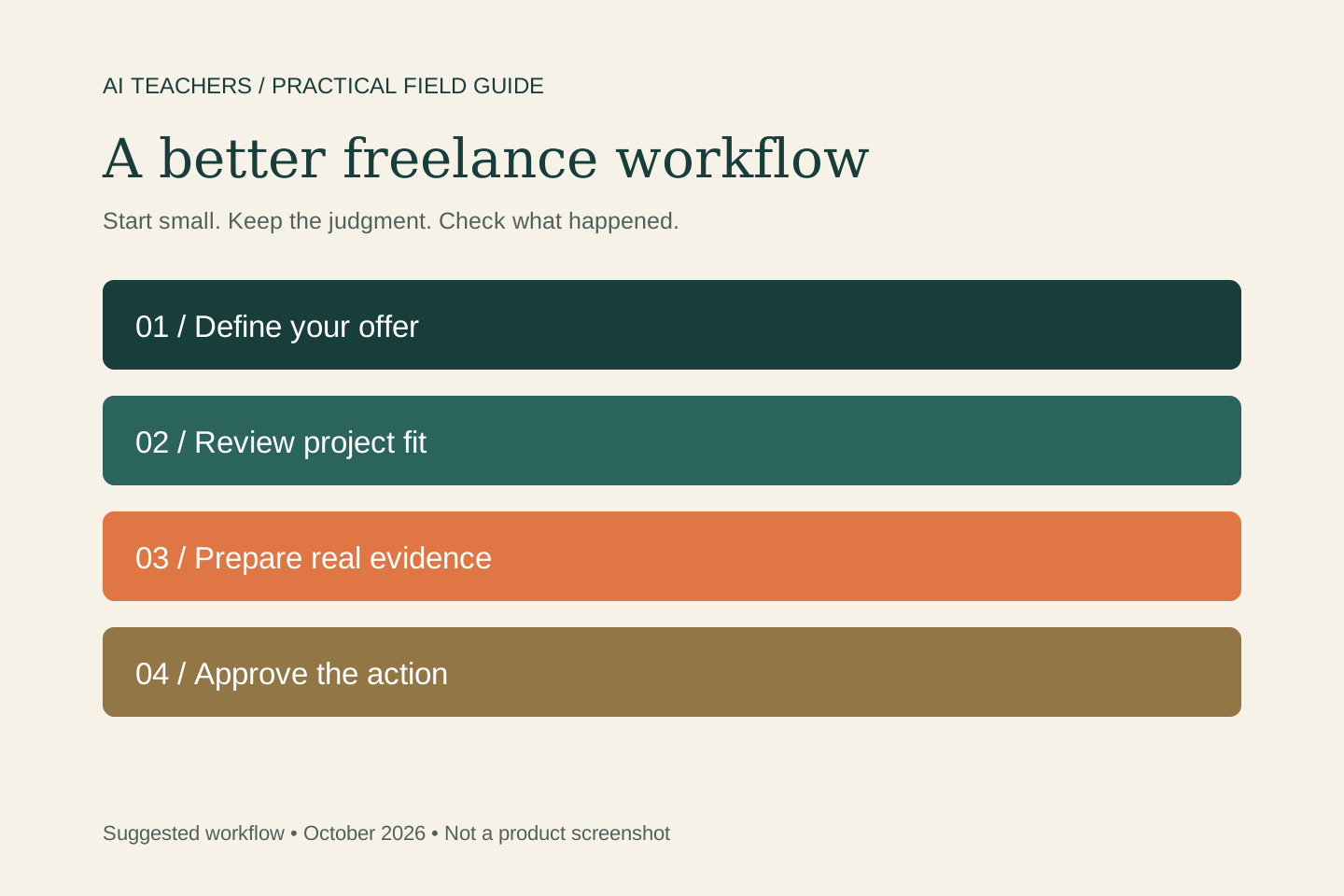
Learn Upwork MCP by building an evidence-based freelance proposal
A practical Upwork MCP workflow for adult learners developing practical AI skills: project fit, honest proposals, bid review, portfolio evidence, and a small side-work test.
October 20, 2026 · 4 min read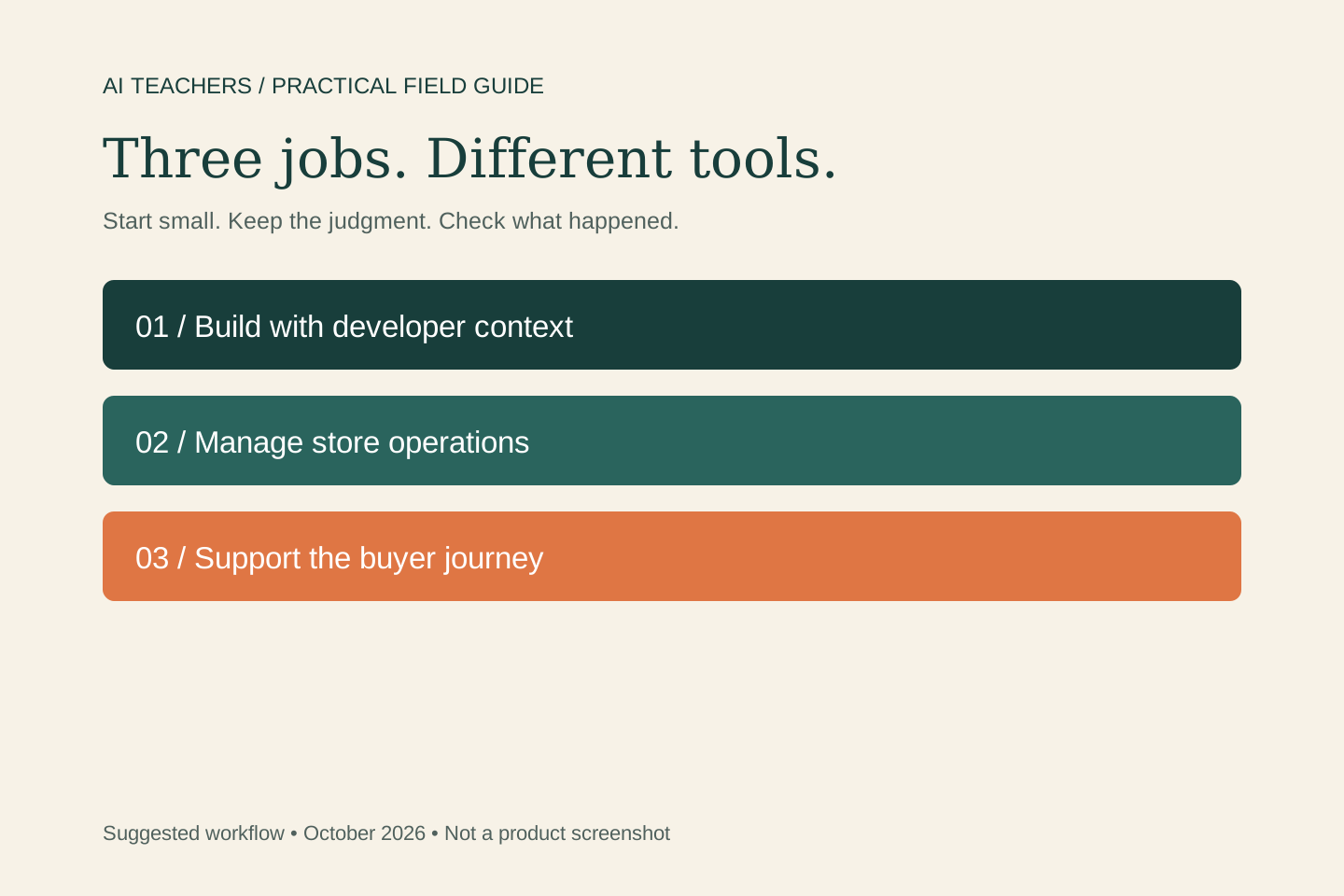 AI commerce
A hands-on Shopify AI lesson: improve one product page and check the result
A practical Shopify guide for adult learners developing practical AI skills: Sidekick, native AI, MCP roles, integrations, and one useful store experiment.
October 20, 2026 · 4 min read