AI building
From idea to a working app: ChatGPT Work, Astra, GitHub, Railway, and Supabase
A practical workflow for building a small app with ChatGPT Work or Codex, creating a GitHub repo, deploying on Railway, and saving data with Supabase.
In this guide
- The useful starting point
- What each part does
- 1. Write the smallest useful brief
- 2. Choose your working environment and reasoning setting
- 3. Ask for a repository you can understand
- 4. Build one complete path
- 5. Add Supabase when the data needs to persist
- 6. Connect the repository to Railway
- 7. Verify the public result
- Understand the ongoing cost
- A reusable build-and-handoff prompt
- When something does not work
- Sources and further reading
The useful starting point
Choose one useful workflow, ask ChatGPT Work or Codex to build an inspectable repository, then connect hosting and data with explicit acceptance checks.
The most useful thing you can ask AI to make is often something small: a tool that removes one recurring frustration. A project tracker. A customer intake form. A planner that remembers what you saved yesterday.
You do not have to begin by becoming a full-time developer. You do need to describe the job clearly, understand where the work lives, and check that the finished result behaves the way you intended.
Here is a practical way to build your first small application using ChatGPT Work or Codex, GitHub, Railway, and Supabase. The example is a personal project tracker: create a project, add its next action, save it, and return later.
What each part does
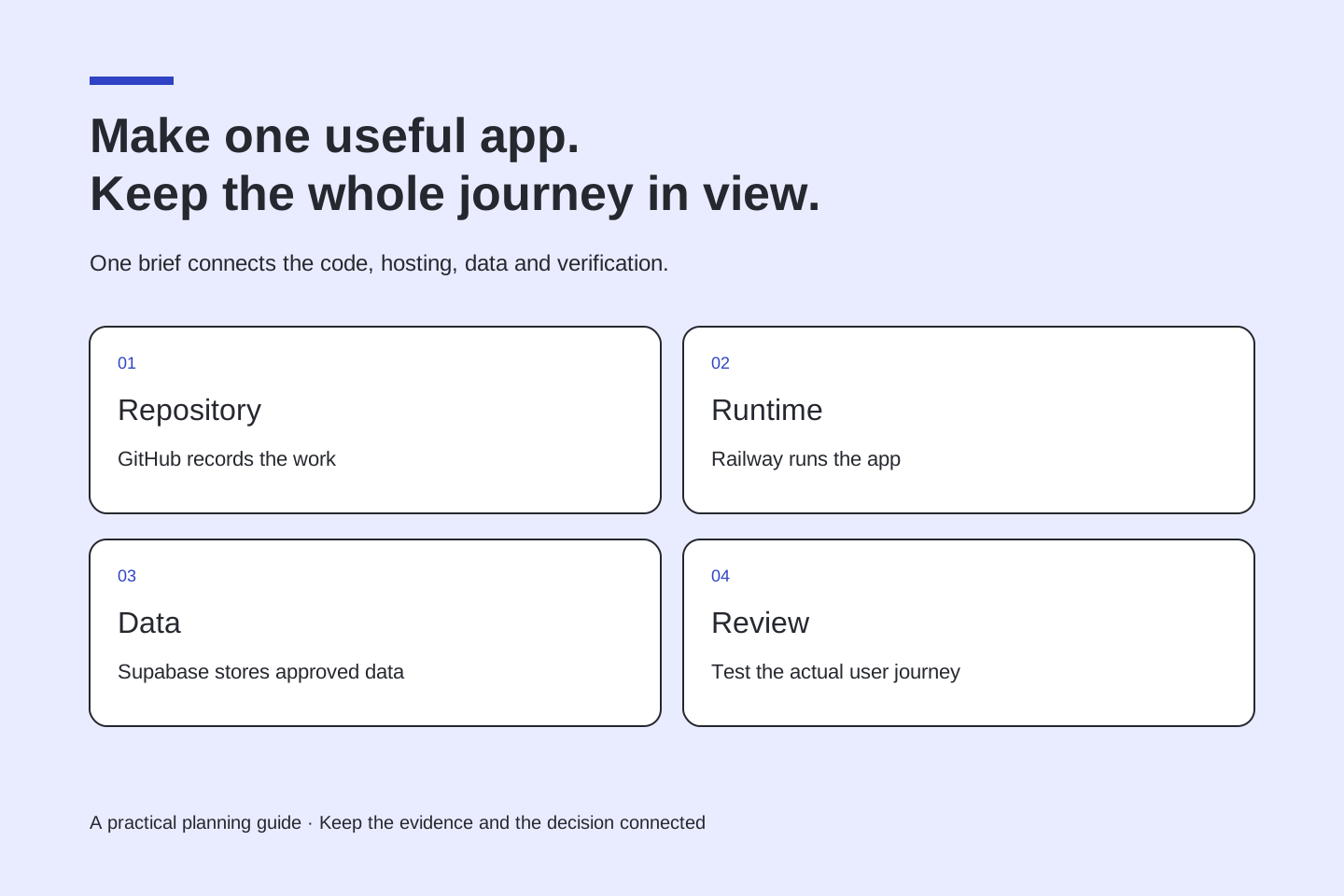
Think of the stack as four separate responsibilities. ChatGPT Work or Codex helps you plan and implement. A GitHub repository stores the source code and its history. Railway runs the application. Supabase supplies the database and, when needed, authentication.
A repository is not a live website. A live website does not prove that records are being saved. A successful login does not prove that one person cannot access another person's records. Each layer needs its own check.
1. Write the smallest useful brief
Start with one person and one outcome. For our tracker, the user should be able to sign in, create a project, add a next action, and see it again after refreshing. Leave collaboration, billing, AI suggestions, and dashboards for later.
Use this first prompt:
Help me build a small personal project tracker. The first version needs sign-in, a project title, one next action, a due date, and a done state. Before coding, explain the user journey, data we must store, assumptions, and how we will prove it works. Use fictional sample data. Recommend the simplest maintainable architecture. Keep the scope to this workflow.
Ask the agent to turn the brief into acceptance criteria. These are observable statements such as: “A saved project remains after sign-out and sign-in.” They give you a way to judge progress beyond how attractive a screenshot looks.
2. Choose your working environment and reasoning setting
Use Work if you prefer to describe the outcome in everyday language. Use Codex if you want to inspect the repository, changes, commands, and tests more directly. Their capabilities overlap; access to the tools and files matters as much as the interface.
For the demanding planning and implementation steps in this workflow, select GPT-6 Astra and Extra High reasoning if those options are available in your account. In interfaces with a Power control, look in Advanced for the model and reasoning settings. In Codex CLI, use the model selector to choose the available setting.
Extra High is a reasoning choice, not a guarantee of correctness or extra service permissions. You can use a lighter setting for small edits. Check usage as you go rather than assuming that every task needs the most intensive setting.
3. Ask for a repository you can understand
Connect or authorize GitHub through the supported integration in your environment. Then give the agent an explicit repository owner, name, and visibility:
Create a private GitHub repository named personal-project-tracker under my account if repository creation is supported and authorized. Otherwise prepare the project and give me the exact remaining GitHub step. Include a README, setup instructions, dependency lockfile, environment-variable example containing names only, and the initial application. Never put credentials in source control. Show me the repository URL and initial commit when they exist.
Some connections can read a repository but cannot create one. That is a permissions boundary, not something a stronger model can remove. If you create the repository manually, return its URL and ask the agent to continue there.
4. Build one complete path
Have the agent implement the form, validation, saved record, and return visit together. Review empty states and failures as well as the happy path. A save button should distinguish “saving,” “saved,” and “could not save.”
Keep useful project instructions in the repository: what the application does, how to run it, which checks matter, and what is deliberately outside the first release. Future sessions should not have to rediscover those decisions.
5. Add Supabase when the data needs to persist
Use a Supabase project you control. Ask the agent to propose the tables and access rules before it changes a production database. Keep database changes in versioned migrations so the setup can be reproduced.
For the tracker, every private project needs an owner. Enable Row Level Security on exposed tables and define ownership policies. Keep secret or service-role keys on the server; use the appropriate publishable key for a browser client. Supabase explains these distinctions in its API-key and Row Level Security guides.
Test with two accounts: each should see only its own private projects. Also test a signed-out request. “The form saved once” is not an access-control test.
6. Connect the repository to Railway
Create a Railway project and choose the GitHub repository as the service source. Authorize Railway to access that repository. Confirm the intended branch, application directory, build command, and start command. Add the environment variables the app actually expects through Railway's settings, not a committed secrets file.
Ask the agent to check how the server listens on Railway's provided port and how the health check works. Deploy first to the generated Railway URL. Add a custom domain after the basic deployment works, then update authentication URLs to match the real domain.
Railway can deploy changes from a connected GitHub branch. Choose that branch deliberately: merging code into a deployment branch can affect a live service.
7. Verify the public result
Open the deployed URL in a fresh browser session. Create a project, refresh, edit it, sign out, sign back in, and check the result on a phone. Confirm that your test used the deployed application and the intended database.
Use this closing prompt:
Verify the deployed project tracker against our acceptance criteria. Report what you directly tested, what failed, and what remains unverified. Include the deployed URL, source commit, database migration status, and rollback instructions. Do not describe a mock screen or local-only result as live.
Understand the ongoing cost
Your AI subscription, hosting, database, domain, email, and any runtime AI API are separate considerations. An app built with AI does not automatically need AI calls every time a customer uses it. Start with ordinary application logic when that is sufficient.
Review current plan limits, set an operating budget, and decide who will maintain the project. The goal of the first release is a useful workflow that survives a return visit. Once that works, ask a real person to use it and let their friction guide the next improvement.
Ready to host the first version? Explore Railway using our referral link. Check the current offer and billing terms during signup. Bring one practical workflow to AI Teachers when you want help deciding what to build and how to check it.
A reusable build-and-handoff prompt
Replace the bracketed fields before using this prompt. Begin with an operating-cost ceiling and the accounts you actually control.
Help me build [tool] for [specific user] so they can [observable outcome]. Use the current project if one exists. For a new project, create a private GitHub repository under [owner] named [name] only when the connected tools support it and access is authorized. Otherwise prepare the files and identify the missing setup step.
Define the smallest complete user journey and acceptance criteria first. Use fictional test data. Include a README, dependency lockfile, setup instructions, migration files, and an environment example with variable names only.
Connect the intended repository and branch to Railway. Explain the root directory, build/start commands, health check, and required variables. Use Supabase only for the persistent data and accounts this workflow needs. Describe permissions, enable appropriate Row Level Security, and keep secret credentials on the server.
Stay within [budget]. Identify any paid resource before creating it. Test the deployed happy path, invalid input, failed saves, signed-out access, and access from a second account.
Finish with the repository URL, deployed URL, commit, checks actually completed, unresolved issues, recurring cost categories, and recovery instructions. If a tool or permission is missing, state that explicitly.
When something does not work
A repository connection failure usually needs an access check. A failed build needs the actual build log. A page that loads but cannot save needs its runtime configuration and database permissions inspected. After adding a custom domain, check the authentication redirect configuration. Ask the agent to diagnose one observed failure at a time and retest that same user action.
Sources and further reading
- OpenAI: Models and reasoning settings
- OpenAI: Model selection
- OpenAI: Use ChatGPT; Work and Codex comparison
- OpenAI: Codex environments
- Railway: GitHub autodeploys
- Supabase: Row Level Security
- Supabase: API keys
- Railway: Affiliate program
Sources checked October 19, 2026. Review the linked publisher information for current details.
Put one idea to work
Use one lesson in a small project, explain what you learned, and practice again without relying on the answer.
Try the free workshop →Explore more from AI TeachersGet the free AI at Work Starter Kit →Keep practicing
 AI Foundations
RAG, MCP, Agents and Embeddings: The AI Terms That Help You Make Better Choices
Learn essential AI vocabulary through a practical document-assistant example, with clear distinctions between retrieval, connections, actions and evaluation.
October 19, 2026 · 5 min read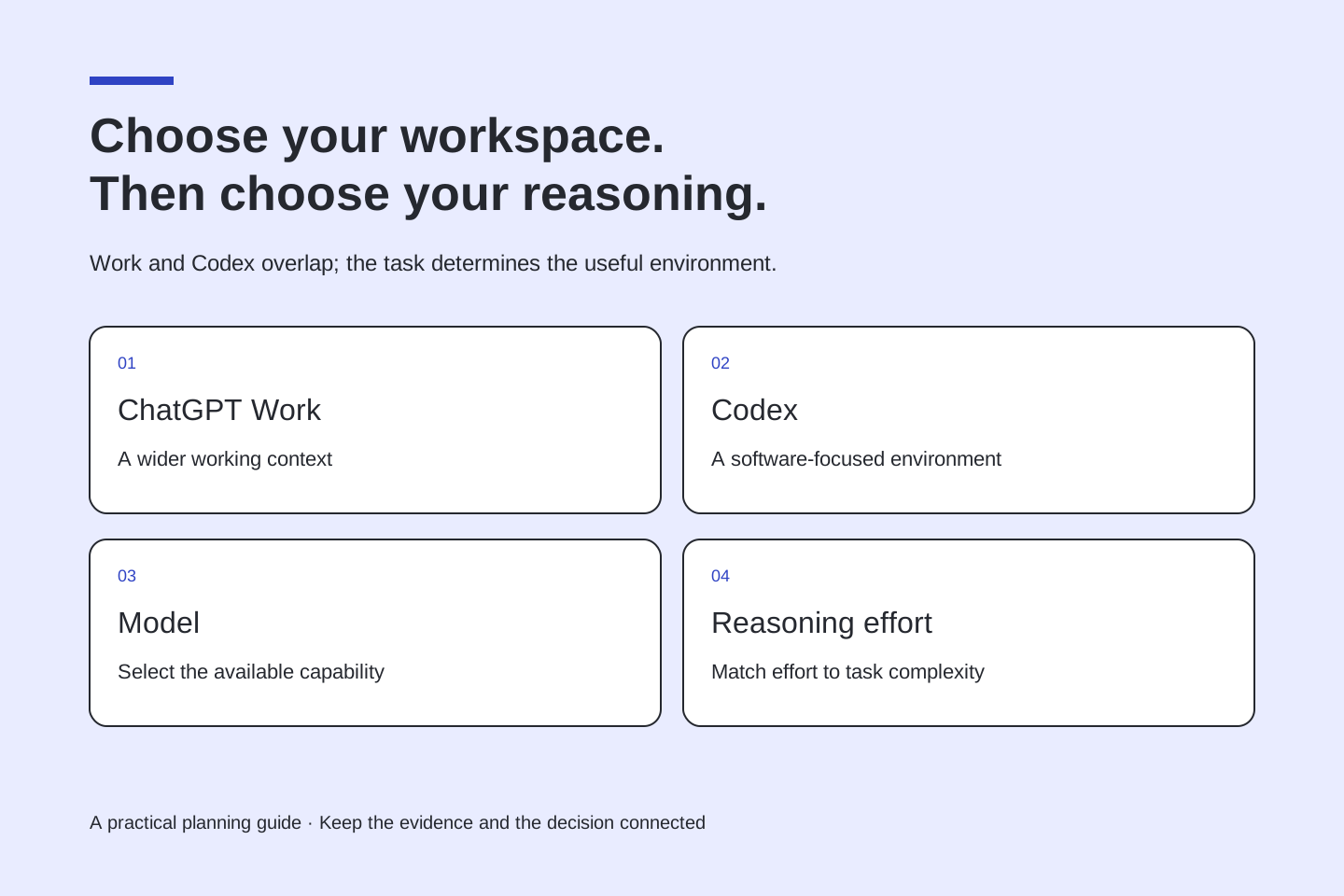 AI workspaces
ChatGPT Work vs. Codex: choose the workspace that fits the job
Understand ChatGPT Work, Codex, and Astra reasoning settings, with examples for research, documents, websites, software projects, and everyday work.
October 19, 2026 · 4 min read