Getting started
No Magic Words Required: 7 Simple Ways to Get Better Answers from ChatGPT
A warm beginner guide to seven practical ChatGPT prompt techniques, copyable examples, before-and-after improvements and a 20-minute practice lesson.
In this guide
- Do ChatGPT cheat codes actually work?
- First, understand the six ingredients of a useful prompt
- Move 1: SIMPLIFY — meet yourself where you are
- Move 2: TIGHTEN — make a useful short version
- Move 3: MAKE IT HUMAN — improve tone without changing facts
- Move 4: COMPARE — make a decision more thoughtfully
- Move 5: CHALLENGE — invite a thoughtful second opinion
- Move 6: SHOW THE STEPS — turn advice into something you can do
- Move 7: VERIFY — ask what still needs checking
- Bonus: image prompts are descriptions, not secret visual codes
- The 20-minute practice lesson
- Your pocket glossary
- You're ready for the next small win
- Questions you might be asking
- Sources and further reading
Do ChatGPT cheat codes actually work?
You don't need secret commands. Tell ChatGPT your goal, audience, background, limits and desired output; then check the draft. These seven small moves help you get useful results you can verify and reuse.
Good news: you do not need to learn a secret language to get more useful results from AI.
Have you ever asked ChatGPT to help with something simple and received an answer that was technically fine but not quite what you meant? Maybe it was too long, too formal, too vague, or full of details you didn't provide. That's a normal part of learning to use a new tool. It also gives us a wonderful place to start.
You might have seen a post promising hundreds of “ChatGPT cheat codes”—short labels such as ELI5, TLDR, SWOT, PREMORTEM, /human and /verify. Here's the reassuring truth: most are just shorthand for ordinary instructions. They are not official hidden commands, and typing them doesn't unlock a new capability. Some are familiar frameworks; others only make sense if you define them.
The real skill is learning to say what you need, provide enough context and check the result. We'll practice that together with seven small moves and a 20-minute exercise. You can copy each prompt, replace the bracketed parts and make it your own.
First, understand the six ingredients of a useful prompt
Useful AI Beats Hype · Your prompt, explained
Goal
Audience
Source context
Constraints
Format
Human check
Imagine asking a helpful colleague to complete a task. They would need to know what you're trying to achieve, who it's for, what material to use, any limits, what the finished work should look like, and how to handle missing facts. AI needs those instructions, too.
Here's a simple starter template:
Help me [GOAL] for [AUDIENCE].
Here is the context or approved source: [CONTEXT].
Please follow these limits: [CONSTRAINTS].
Return it as [FORMAT].
If information is missing, ask or mark [NEEDS CONFIRMATION].
Before finishing, check that the output matches my source.
You will often find that this plain-language template is more dependable than any mysterious one-word code. You can add a role or perspective (“respond as a patient tutor” or “review this as a customer”) when it genuinely helps, but the role does not create expertise or external evidence.
Move 1: SIMPLIFY — meet yourself where you are
ELI5 means “explain like I'm five.” It can be handy for a first pass, but grown-ups don't need to be talked down to. Ask for a simpler explanation with the context you already know.
Explain [topic] for someone who knows [what I already understand]
but is new to [specific part]. Use simple language and one everyday
example. Avoid unnecessary jargon. Tell me where the analogy stops
being accurate.
Try it: Ask for an explanation of an AI agent as if you have used chatbots but never built an automation. Then ask, “What can an agent do that a chatbot usually doesn't do by itself?”
Check: Can you explain the idea back in your own words? If not, ask for another example—not just a longer answer.
Move 2: TIGHTEN — make a useful short version
TLDR stands for “too long; didn't read,” and BLUF means “bottom line up front.” Both are ways to request a summary. The key is saying what must survive the cut.
BLUF: Summarize the note below in three sentences.
Sentence 1: the decision or most important point.
Sentence 2: the reason, using only facts in the note.
Sentence 3: who needs to do what next, if that is actually stated.
If no owner or date appears, say it is unconfirmed.
NOTE: [paste approved note]
Check: Did the summary accidentally turn a suggestion into an agreed commitment? This happens when brevity removes important context.
Move 3: MAKE IT HUMAN — improve tone without changing facts
Labels such as /human or HUMANIZE are popular because people don't want to sound like a brochure. They work best when you define the desired voice.
Useful AI Beats Hype · Your step-by-step workflow
Before: Write an email
After: Tell AI who it's for
Give a 130-word limit
Preserve confirmed dates
Review before sending
Rewrite this email so it sounds like a kind, capable person.
Keep it under 130 words. Audience: [recipient].
Tone: warm, direct and helpful, without sales clichés.
Keep all confirmed dates and promises exactly as given.
Don't add benefits, urgency or a deadline I did not supply.
DRAFT: [paste text]
Check: Would you actually send it? Are names, details and commitments still correct? If the tone is off, tell the model which sentence feels wrong and why.
Move 4: COMPARE — make a decision more thoughtfully
SWOT, PROSCONS, COMPARE, and WEIGHTED are different ways to examine choices. You don't need all of them at once. Give the model a fair set of criteria, and ask it to show uncertainties.
Compare [Option A] and [Option B] for [my situation].
My priorities, in order, are: [criteria].
Separate known facts from assumptions. Show the tradeoffs in a table.
Do not invent costs or capabilities. Tell me the one missing piece
of information most likely to change the recommendation.
Check: Does each option receive the same scrutiny? If a table contains a price, specification or “best choice,” find the source before relying on it.
Move 5: CHALLENGE — invite a thoughtful second opinion
REDTEAM, STEELMAN and PREMORTEM are useful thinking patterns. A red-team review looks for weaknesses. A steelman presents the strongest fair version of an opposing view. A premortem imagines a plan went wrong and looks backward for causes. You can use them without adopting a combative tone.
PREMORTEM: Imagine this plan did not work.
List four plausible reasons, the evidence that would reveal each,
and one small change or test that could reduce the risk.
Also identify one strength of the plan worth preserving.
PLAN: [your plan]
Check: Did it identify a testable risk, or just criticize for effect? Don't treat hypothetical failure scenarios as predictions.
Move 6: SHOW THE STEPS — turn advice into something you can do
A long AI response can create more overwhelm than the original task. Ask for a checklist with a sensible beginning and an observable finish.
CHECKLIST: Turn this goal into five small steps that fit within
[available time]. Include a first action I can do in ten minutes,
what I need to prepare, and how I will know each step is complete.
If the goal is too large, suggest a smaller version rather than
making an impossible schedule. GOAL: [your goal]
Check: Is every action something you can actually do? “Grow a brand” isn't a step. “Ask three existing customers which question confused them most” is.
Move 7: VERIFY — ask what still needs checking
The most useful final move may be the least flashy. A model can sometimes point out shaky claims or inconsistencies; it cannot guarantee truth simply because you type /verify, FACTCHECK or EVAL_SELF.
VERIFY: Review your draft against the approved source I gave you.
Make two lists: facts supported by the source, and claims that are
missing, changed or uncertain. Remove unsupported specifics.
If external research is needed, tell me what to look up and why.
Do not create citations or pretend you verified something you didn't.
Check: For current information, use a research tool or inspect primary sources yourself. For personal or workplace information, confirm your permission to share it. When accuracy is important, a human should review the finished work.
Bonus: image prompts are descriptions, not secret visual codes
A label like /productshot or /carouseldesign does not switch on a hidden design mode. If your AI tool supports image generation, say what you want to see and how you plan to use it:
Create a friendly educational diagram for adult beginners showing
how a useful AI prompt is built. Format: wide 16:9 illustration.
Show six readable stages: goal, audience, context, constraints,
output format and verification. Use clear contrast, a calm color
palette and simple icons. Avoid tiny text, fake UI buttons and
unnecessary decoration. I'll check the labels before publishing.
For precision-critical diagrams, it can be better to use an editable design tool instead of relying only on generated text inside an image. Always inspect labels, order and legibility—especially on mobile.
The 20-minute practice lesson
Let's make this concrete. Use the same ordinary task for the full exercise: turn a few messy notes into a friendly follow-up email and a tiny action list. Use fictional notes or material you have permission to share.
Minutes 0–4: start vague on purpose
Ask: “Write a follow-up email about these notes.” Read the result. Notice what it assumed, what it missed, and how it sounded. Do not send it.
Minutes 4–9: add the six ingredients
Try:
Write a follow-up email to [audience] about [topic].
Use only these fictional notes: [notes].
Tone: warm, clear, not pushy. Length: under 120 words.
Include an accurate subject line and next action.
If no next-step owner or date is confirmed, label it for review.
Minutes 9–13: use one move to improve it
Try HUMANIZE (and define the tone), BLUF (lead with the point), or CHECKLIST (extract action items). Don't stack seven codes. Choose the single improvement you need.
Minutes 13–17: compare and verify
Put the vague and improved outputs side by side. Which one is more accurate, easier to use and less work to edit? Ask the model to identify unsupported details, then make your own check.
Minutes 17–20: save what actually worked
Write down your best prompt, the situation it worked for, and one limitation. The next time you face the task, reuse that prompt and replace the context. Congratulations: you have created a small, real-world AI workflow.
Useful AI Beats Hype · Your step-by-step workflow
Try one prompt
Add useful context
Choose one technique
Verify the result
Save the better version
Your pocket glossary
| Label | Plain-English meaning | Useful first instruction |
|---|---|---|
ELI5 |
Make it easier to understand | “Explain with one everyday analogy.” |
TLDR |
Give a short summary | “Summarize in three sentences.” |
BLUF |
Put the main point first | “Lead with the decision.” |
HUMANIZE |
Make the tone natural | “Friendly, clear, no brochure language.” |
SWOT |
Organize strengths and risks | “Use evidence and label assumptions.” |
PREMORTEM |
Test a plan against possible failure | “List causes and checks.” |
REDTEAM |
Critique a plan rigorously | “Find supported weaknesses and fixes.” |
CHECKLIST |
Make the output actionable | “Five steps, completion criteria.” |
VERIFY |
Identify claims to check | “Don't invent verification.” |
A note about “think harder” and “reset” codes
Typing ULTRATHINK, X10THINK, CHAIN_OF_THOUGHT or /godmode doesn't automatically change your account's reasoning setting or unlock a restricted feature. If your ChatGPT account offers model and thinking-effort choices, use the controls available to you. For an explanation, ask for the conclusion, key criteria, assumptions and checks rather than a private internal thought transcript. Likewise, typing RESET is not a reliable way to clear all conversation context; open a new chat when you need a clean start.
For recurring style preferences, ChatGPT supports Custom Instructions in supported apps. A short, clear preference may be more helpful than storing hundreds of arbitrary abbreviations. Features and settings can change by plan and app version.
You're ready for the next small win
You do not have to become a prompt engineer to get value from AI. Start with one familiar task, give it a clear brief, choose one improvement move, and check the output. Repeat until you have a process you trust.
Continue with the AI Teachers prompt library when you need a task-specific starting point, or try the free seven-day AI practice kit to build the habit one small exercise at a time. If you want guided help turning a real task into a reusable workflow, visit AI Teachers.
Further reading: Vruddhi Shah's “400 ChatGPT Cheat Codes Nobody Lists in One Place”, a community shorthand collection. For product behavior, see OpenAI's Custom Instructions guidance and ChatGPT model choices. This lesson, examples and exercises are original teaching material.
Questions you might be asking
Do these shortcut words turn on special ChatGPT features?
No. Most are informal labels for ordinary instructions. Define what you want in plain language and check the result.
How many prompting techniques should I learn first?
Begin with two or three that solve tasks you actually do. Practice, compare the results and save the wording that works for you.
Sources and further reading
Sources checked October 24, 2026. Review the linked publisher information for current details.
Put one idea to work
Use one lesson in a small project, explain what you learned, and practice again without relying on the answer.
Try the free workshop →Explore more from AI TeachersGet the free AI at Work Starter Kit →Keep practicing
 Practical AI workflows
Steal my AI workflow stack: turn one real task into a process you can repeat
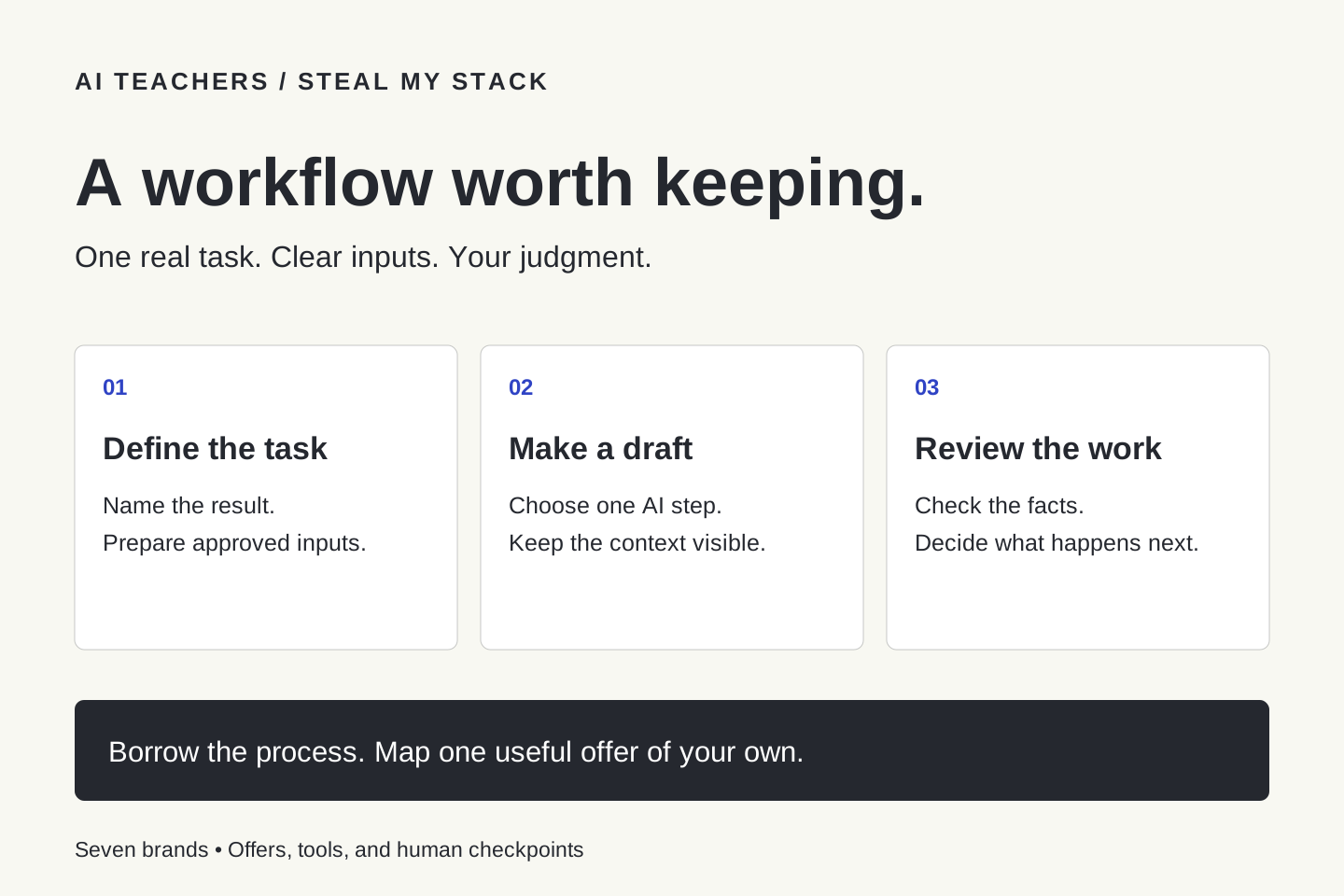
Borrow the AI Teachers part of Ashley Kays's seven-brand map. Define a task, prepare context, choose an AI step, and keep useful human checkpoints.
October 23, 2026 · 6 min read Learning With AI
Learn Something Useful With AI Every Day: A Small Routine That Builds Real Skill
Use a short daily AI learning routine with an initial attempt, hints, practice and an independent check so progress means more than reading answers.
October 22, 2026 · 6 min read