AI Tool Guides
10 AI Tools to Explore: Learn One Useful Skill Before You Subscribe
Meet ten AI tools for note-taking, visualization, email, research and automations, with a safe beginner experiment for each.
In this guide
- The useful starting point
- Capture ideas and make them clearer
- Handle business information carefully
- Build a workflow after you understand the task
- How to choose one tool without collecting subscriptions
- What to check before trusting the result
- Your next lesson
- Questions you might be asking
- Sources and further reading
The useful starting point
Start with one real task, try one tool with non-sensitive practice data, verify the result, and measure the total time to finish. A useful tool fits your workflow; popularity predictions and feature lists cannot replace a trial.
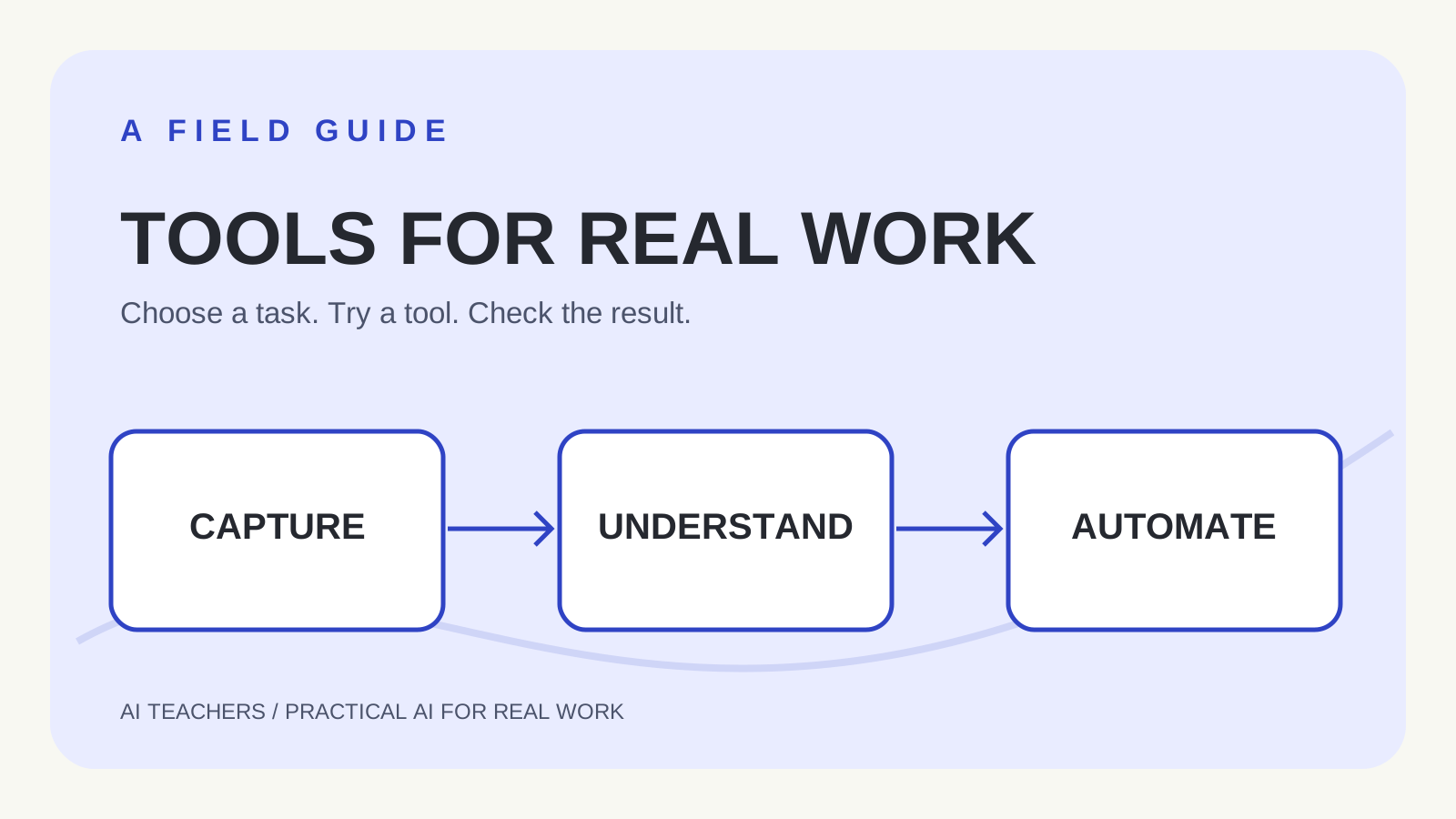
You do not need ten new accounts to become better at AI. What matters is recognizing the kind of work you want to finish: capturing an idea, making information understandable, or repeating a process. This guide organizes ten named products by those jobs, rather than guessing which will be popular next spring.
These products differ in availability, price, data handling and complexity. The activities below are proposed learning exercises, not claims that our team independently benchmarked every platform. Before uploading anything personal or professional, read the current product terms and obtain the appropriate permission.
Capture ideas and make them clearer
Wispr Flow — turn speech into editable text
Try this: Dictate a two-paragraph introduction and compare it with what you meant to say. Correct names and numbers before sharing.
Napkin AI — turn a written process into a visual
Try this: Paste a fictional three-step client onboarding process. Ask a classmate whether they can understand the flow from the diagram.
Granola — organize meeting notes
Try this: With everyone's consent, record a practice meeting. Compare action items with your own handwritten notes; mark disputed commitments.
Mem — find useful connections across notes
Try this: Save a few non-sensitive ideas about one project. Ask for the earlier decision behind your current plan, then open the original note.
Handle business information carefully
Fyxer — triage email and prepare drafts
Try this: Try a low-stakes personal or test inbox. Inspect draft recipients, promises and tone. Do not enable automatic sending for the exercise.
Julius AI — ask plain-language questions about tables
Try this: Use a fictional CSV with five rows. Ask for a total and a chart, then calculate the total independently.
Clay — enrich and research business contacts
Try this: Start with a small list of businesses you already know. Check a claimed fact against a primary source before contacting anyone.
Build a workflow after you understand the task
Gumloop — connect steps in an AI-assisted workflow
Try this: Create a test flow that takes a form entry, summarizes it and saves an internal draft. Avoid live customer messages.
n8n — build repeatable automations with optional self-hosting
Try this: Practice with a manual trigger and sample data. Inspect each step's result, failure behavior and hosting responsibilities.
Firecrawl — prepare website content for research workflows
Try this: Try one public page you have permission to process. Compare extracted headings with the source and respect site access rules.
How to choose one tool without collecting subscriptions
Choose one task that takes you at least twenty minutes. Write down your starting method, what a correct answer must include, and how long it usually takes. Give one of the tools above a safe test. Measure your entire time, including setup, checking, edits and troubleshooting. Then decide whether the result is actually useful.
Help me compare two ways to complete this task: [task]. My goal is [outcome]. I can share [safe practice inputs]. Ask me for missing details. Propose a ten-minute trial and three acceptance checks. Do not claim the tool performed work unless I have evidence.
What to check before trusting the result
- Is every important claim supported by the original information?
- Could the tool access more email, files or contacts than it needs?
- Does the result save time after review, not just during generation?
- Can you export your work if you stop using the subscription?
Your next lesson
Learn the underlying workflow before adding another app. Start with the free first-workflow workshop or browse AI Teachers learning paths. If you finish one small project, record what worked so you can repeat it.
Editorial note: This original learning guide responds to a broader discussion of emerging tools, including Vruddhi Shah's September 2026 tool roundup. Product names link to publishers. Capabilities and terms may change; no ranking or future-adoption forecast is implied.
Questions you might be asking
Which AI tool should a beginner try first?
Choose based on the task you already do. For visual explanations try Napkin; for practice spreadsheets consider Julius; for routine steps explore an automation platform. Confirm current access and data policies.
Do I need all ten tools?
No. Use one at a time and keep only tools that improve finished work after setup and review.
Can I upload real meeting recordings?
Only with appropriate notice and consent, and after checking organizational policy and the tool's current data controls.
Sources and further reading
- Source of the tool-roundup idea, Vruddhi Shah (2026)
- Napkin product overview
- Granola product and privacy summary
- n8n official documentation
- Julius AI product guide
Sources checked October 16, 2026. Review the linked publisher information for current details.
Put one idea to work
Use one lesson in a small project, explain what you learned, and practice again without relying on the answer.
Try the free workshop →Explore more from AI TeachersKeep practicing
 Team learning
Run a useful AI practice session with your team
A 45-minute session plan that turns one familiar task into a reviewed work sample, with a clear owner and a sensible next experiment.
October 18, 2026 · 3 min read AI Foundations
8 AI Terms Explained With Real Tasks: Agents, MCP, Skills and More
Understand harnesses, agents, MCP, skills, feedback loops, computer use, GEO/AEO and AGI with plain-English examples.
October 18, 2026 · 7 min read