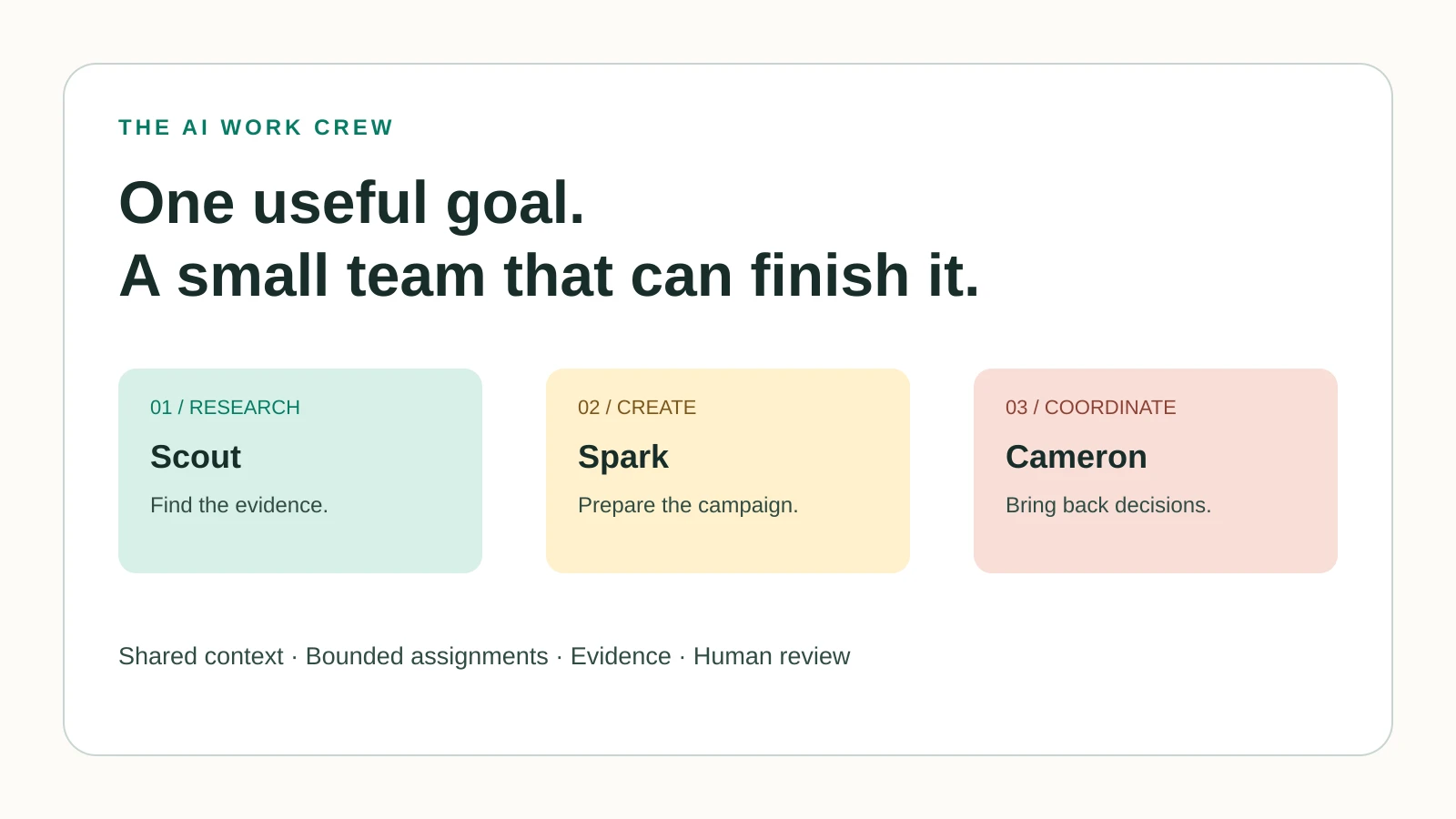
Start with one result, three clear responsibilities, and a review habit. Use real delegation only when the platform supports it.
Choose one useful result
Your first agent team can be small: a researcher, a creator, and a coordinator. In this lesson, you will use our original Scout, Spark, and Cameron templates to prepare a campaign brief for one approved offer. You will finish with a file you can inspect and a decision about whether the process deserves another trial.
Allow 60–90 minutes for a first practice run, with extra time if your tools need setup. Use a public or fictional offer so you can learn the handoffs before adding private business records.
Read the animation steps
- You define the goal and limits.
- Cameron assigns a bounded task.
- Specialists return evidence and a draft.
- Cameron packages the proposed next action.
- You review and approve the defined action.
- Gauge records the result and feeds it back into the next brief.
Step 1: Write the brief before creating the team
Name the audience, offer, objective, deliverables, exclusions, and review criteria. For practice, use a fictional local workshop and label all invented details clearly. For a real event, link the current date, price, location, capacity, and registration destination.
Your finish line is one campaign brief containing sourced audience observations, a message map, open questions, and a recommendation. A claim that a campaign was published is outside this first assignment.
Step 2: Create a small context vault
Open the Context Vault template in the ZIP. Add the approved offer, brand voice, source links, current constraints, and who can change each fact. Keep credentials out of the document. Give each role only the information it needs.
Include a checked date next to time-sensitive details. If an agent finds two prices, it should report the conflict and wait for the authoritative version. Shared context helps only when people maintain it.
Step 3: Configure Cameron, Scout, and Spark
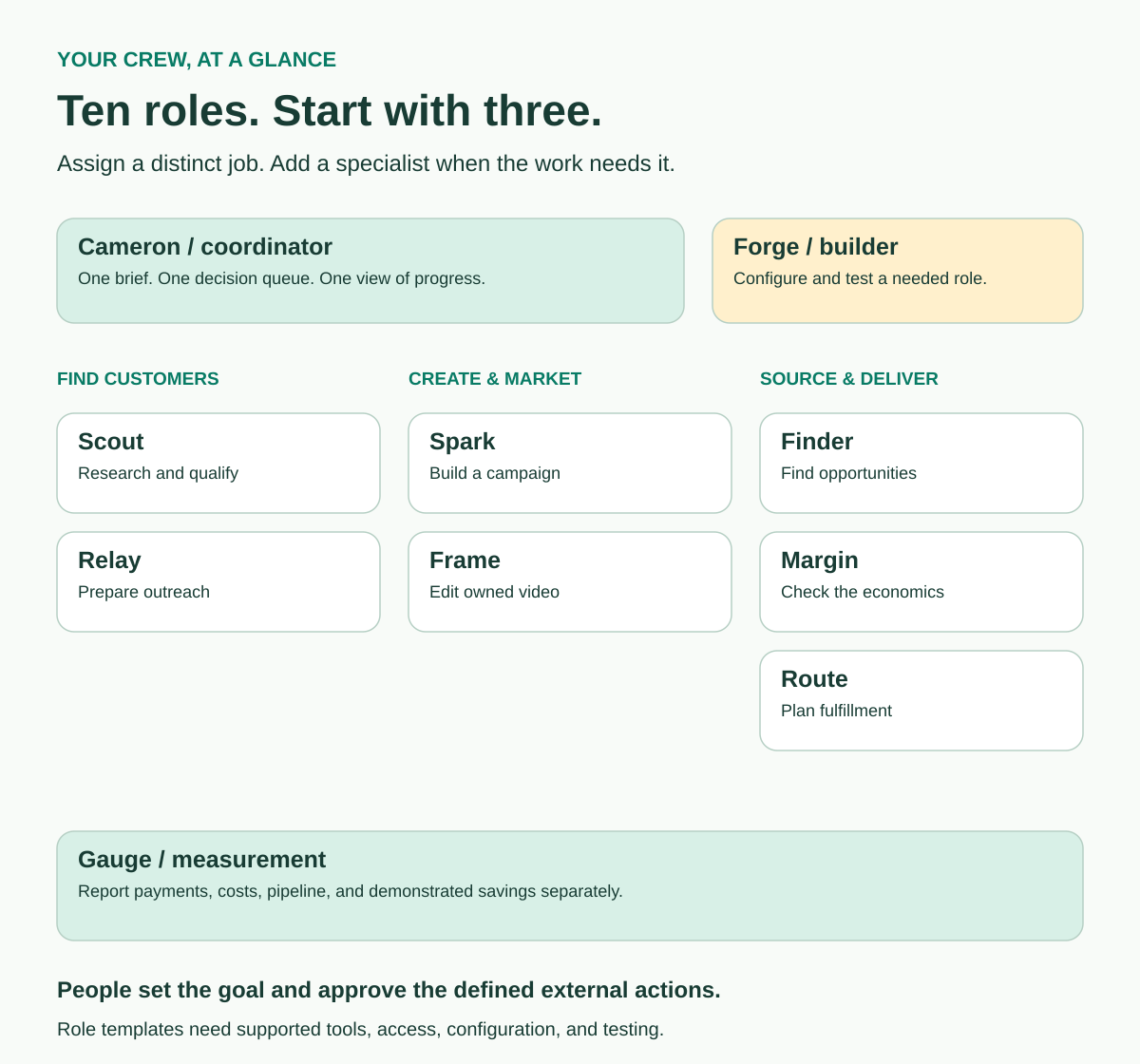
Paste the shared contract and then each role template into a platform that supports the arrangement you want. Cameron coordinates; Scout collects evidence; Spark prepares the campaign. Ask the platform to list which tools and permissions are actually available before starting.
A normal chat can simulate the three roles in sequence as a learning exercise. Real concurrent workers require a delegation feature. Persistent named bots, temporary subagents, and scheduled tasks are distinct capabilities.
Grok Bot documents bot creation and coordination. OpenAI dots documents delegated background work. Claude Code documents configurable subagents. Claude Duet supports background work, but its announcement does not establish an equivalent persistent bot factory.
Step 4: Run the first handoff
Give Scout a limit of five observations and require the source, checked date, relevance, and uncertainty for each. Review the records. Return a weak or unsupported observation for correction.
Spark then uses the approved brief and checked evidence to propose one headline, one core message, an email outline, and two supporting content ideas. It must flag missing facts rather than fill them with guesses.
Cameron returns the outputs in one decision packet. Ask for what is complete, what needs review, which claims have sources, and exactly what would happen next. Keep research, draft, approval, and published states visibly separate.
Step 5: Try bounded parallel work
Once the sequential process works, delegate two independent checks: one reviewer checks factual accuracy; another checks audience fit. Each forms an assessment before reading the other's answer.
Cameron compares the findings and resolves disagreements against the brief or evidence. Agreement between agents is not a substitute for a source. Give every worker a time limit, an output format, and a stopping condition. Start with two workers; add more only if that improves the result.
Forge, our optional builder role, can draft another specialist's instructions. Creating or launching that worker still depends on the host platform's supported controls and your configured permissions.
Step 6: Test the failure cases
| Practice input | Expected behavior |
|---|---|
| Two different event prices | Flag the conflict and request the approved source |
| A broken source link | Report the gap; do not claim verification |
| An unsupported customer quote | Exclude it or request evidence and permission |
| A request to send the draft | Keep it in the review queue until the action is authorized |
| A second run of the same assignment | Preserve the record and avoid duplicate external actions |
Use the starter test fixtures in the download. Record the observed result, correction, and retest. A successful happy-path draft does not tell you how the process handles missing information.
Step 7: Keep the process that earned its place
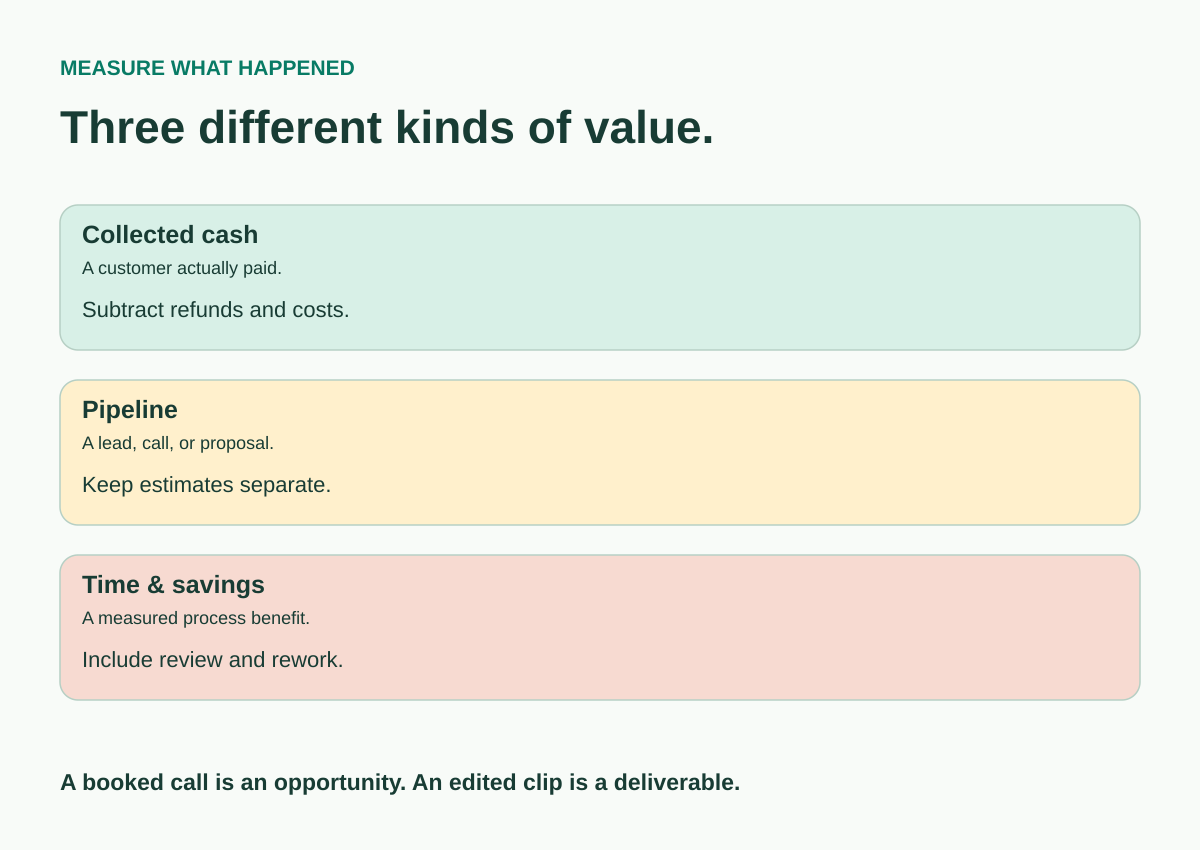
Save the final brief, sources, role versions, decisions, tool cost, and your review time. Compare the total effort with the way you would normally complete the task. If the team creates more coordination work than it saves, simplify it.
Only then decide whether to connect another tool, add Relay for reviewed outreach, or schedule a repeat. A routine needs a defined trigger, allowed scope, stop conditions, and a clear record of each run.
Your first success is a useful result you understand well enough to check and repeat. You can then adapt the process to a lead brief, owned video, customer FAQ, or another task you know.
Continue with the practical guides
Prompts to put it into practice
Brief your first crew
Use the approved offer brief. Cameron coordinates. Scout returns five sourced audience observations with checked dates and unknowns. Spark uses reviewed evidence to prepare one campaign message map. Return a decision packet with completed files, unresolved questions, and the proposed next action. This setup run creates drafts only. Report missing access honestly.
Review the handoff
Review this output against the original brief. Identify unsupported claims, stale facts, missing files, and any action described as complete without evidence. Return pass, revise, or blocked for each acceptance criterion, with a reason.
Try it on your work
Run the three-role process on one public or fictional offer. Save the decision packet and test it with one conflicting fact and one broken source. Repeat the failed step after correcting the instructions.
Check the result
- Every material factual claim has a source or is clearly marked as a hypothesis.
- The agent reports missing access and incomplete actions accurately.
- The coordinator returns one usable brief and a clear next decision.
- The review includes your time, rework, and actual tool costs.
Sources
Primary documentation checked November 15, 2026. Account access and product capabilities vary.