Creative projects · Practical guide
Game mashups with AI: turn two mechanics into one playable idea
A practical workshop for combining game rules, building a small prototype and using playtests to decide what belongs.
In this guide
- The useful starting point
- 1. Describe mechanics before naming games
- 2. Use AI to compare ideas, then make the choice
- 3. Work through an example: Parcel Pattern
- 4. Build a small version in a suitable tool
- 5. Run a 90-minute workshop
- 6. Evaluate the design, not the amount of AI output
- Sources and further reading
The useful starting point
Choose one core action and one meaningful twist. Use AI to explore and implement small changes, then test whether the combination gives the player an interesting choice.
A game mashup starts with a design question: what happens when two familiar rules meet? Collecting objects can become a route-planning puzzle. A maze can change every time a switch is pressed. A platformer can ask you to budget a limited number of jumps. The useful combination changes what a player decides or notices.
For teachers and new creators, this is a manageable AI project because success is observable. You can watch somebody play, compare the result with your rules and revise a small system. The examples below are original teaching proposals, not reports of tested classroom outcomes.
1. Describe mechanics before naming games
Ask learners to describe a game they enjoy using verbs: move, collect, hide, match, trade, jump, choose. Then remove its title and characters. Keep one central action and add one rule that changes the way it feels. Create your own setting, artwork and sound, or use assets with permission and keep their credits.
| Main action | Added rule | Possible player choice |
|---|---|---|
| Collect objects | Deliver in a required order | Which item should I approach first? |
| Navigate a maze | Switches change doors | Which route will remain open? |
| Jump between platforms | Only three jumps per attempt | Where is each jump most useful? |
| Tend a garden | Actions happen on a steady beat | When should I act? |
2. Use AI to compare ideas, then make the choice
Act as a game-design partner. Suggest three original combinations of
[main action] and [second mechanic] for a one-room beginner game.
For each: state the rules, the player’s interesting decision,
one reason the combination might be frustrating, and a five-minute
paper test. Use original characters. No extra systems or monetization.
Do not build anything until I choose an idea.
Reject proposals whose novelty is only a new costume. If removing the second mechanic leaves all the same decisions, the combination may need work. Select the idea you can explain in one sentence and simulate with paper tokens. The assistant can generate options; the group owns the design decision.
3. Work through an example: Parcel Pattern
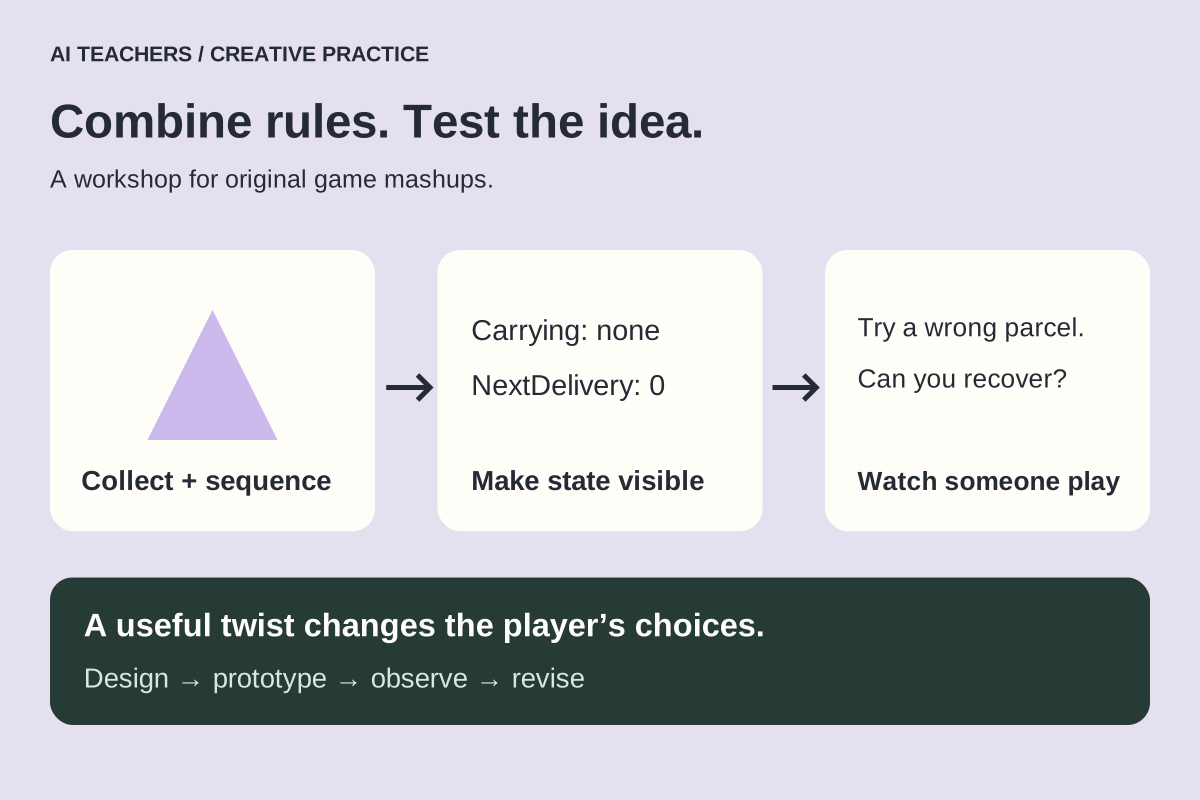
Our prototype combines movement and an ordered-delivery puzzle. The player carries one parcel at a time and delivers Triangle, Circle and Square to a depot in that order. The order is always visible. A wrong delivery returns the parcel to its starting position and shows the required shape. There is no timer in the first version.
Represent the state with Carrying, initially none, and NextDelivery, initially 0. Keep a fixed list of required shapes. On pickup, store the shape and remove that parcel from the floor. At the depot, compare it with the next requirement. Advance only after a match, and clear Carrying after either outcome. When three correct deliveries are complete, show success and stop accepting deliveries.
Use both labels and shapes so color is not the only signal. Paper-test a correct round, a wrong delivery, an attempt to hold two parcels and a restart. These four situations expose most ambiguities before you spend time in an editor.
4. Build a small version in a suitable tool
Scratch is useful when the group already knows blocks. GDevelop is a useful next step for visual events and optional AI assistance. Godot suits learners ready to read and debug text code. Pick the engine the group can understand today. A mashup lesson does not need an engine migration at the same time.
In GDevelop, its AI can read project objects and events and help modify a mechanic. Use a saved working version and request one change, such as carrying one parcel, before asking for delivery logic. Inspect the added events, preview the scene and explain the result. Check the current AI allowance and education/account setup first. Adult-managed setup is needed wherever the provider requires it.
Add only the one-parcel carrying rule to this existing scene.
Use these exact object and variable names: [names].
When hands are full, leave other parcels untouched.
Keep movement and scoring unchanged. Explain your planned events first,
then list the changes and tests after implementation.
5. Run a 90-minute workshop
| Time | Activity | Evidence to keep |
|---|---|---|
| 0–15 min | Name two mechanics and act them out on paper | One-sentence rule set |
| 15–30 min | Choose the smallest playable version | Scene sketch and state variables |
| 30–60 min | Build one behavior at a time | Saved versions and change notes |
| 60–75 min | Swap projects for a quiet playtest | Observed confusion and failed checks |
| 75–90 min | Fix one issue and replay | Before/after comparison |
For a group new to the engine, split this into two sessions and supply a working movement starter. In a classroom, pair a builder with a tester, then swap roles. An adult can operate an appropriate assistant while students make predictions and explain events.
6. Evaluate the design, not the amount of AI output
- Can the player understand the goal without a long explanation?
- Does the added rule change a real choice?
- Does a mistake have a clear, recoverable result?
- Can a full round and restart be completed twice?
- Can the creator explain the state variables and one bug fix?
Watch behavior before asking for opinions. “Where did you hesitate?” and “What did you expect?” produce more useful evidence than “Did you like it?” If the puzzle only adds tedious walking, adjust the layout before adding enemies or levels. Change one thing and replay the same test.
A finished workshop artifact is a playable prototype, a controls card, a small test log and credits for permitted assets and AI help. Continue with our AI game-making guide. For older children, CodeTeachers has a step-by-step Parcel Pattern activity and GDevelop starter lesson.
Sources and further reading
Sources checked October 29, 2026. Review the linked publisher information for current details.
Put one idea to work
Use one lesson in a small project, explain what you learned, and practice again without relying on the answer.
Try the free workshop →Explore more from AI TeachersGet the free AI at Work Starter Kit →Keep practicing
 Creative projects · Practical guide
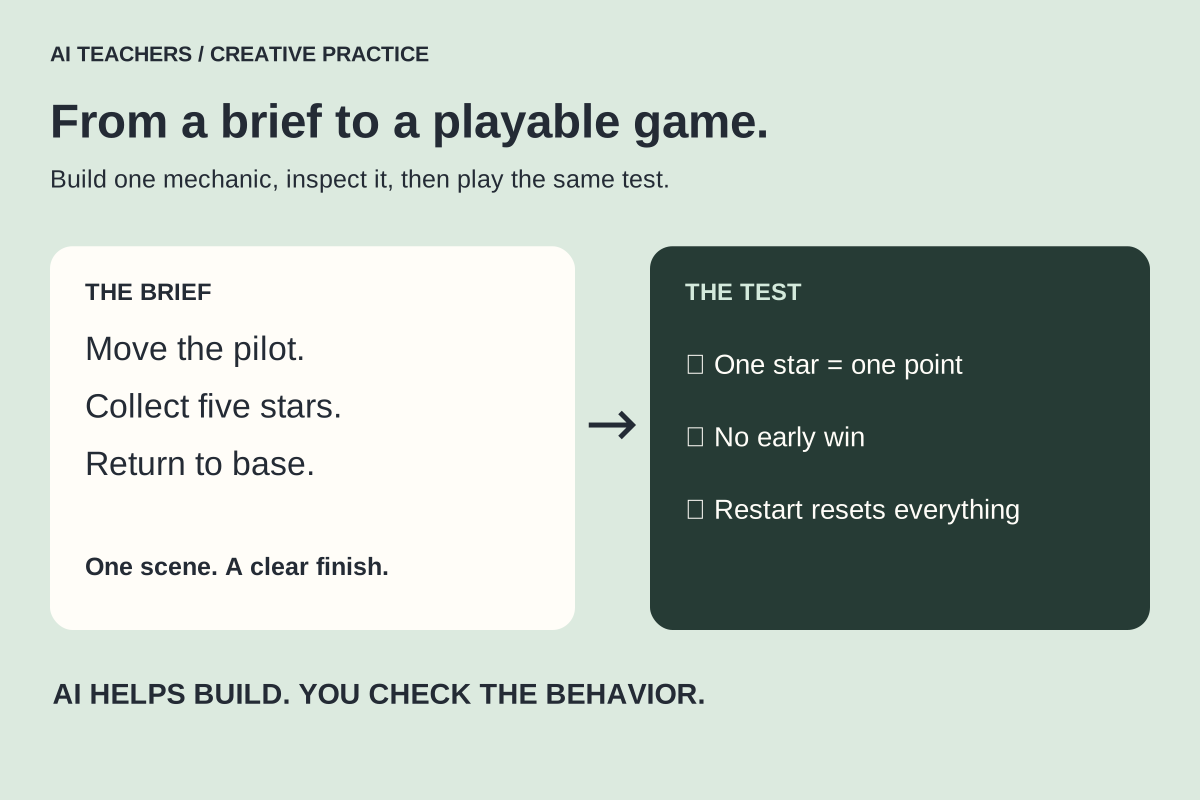
Create games with AI: a first playable project you can explain
Choose an engine, write a small game brief, build one mechanic at a time and test what the assistant changes.
October 29, 2026 · 7 min read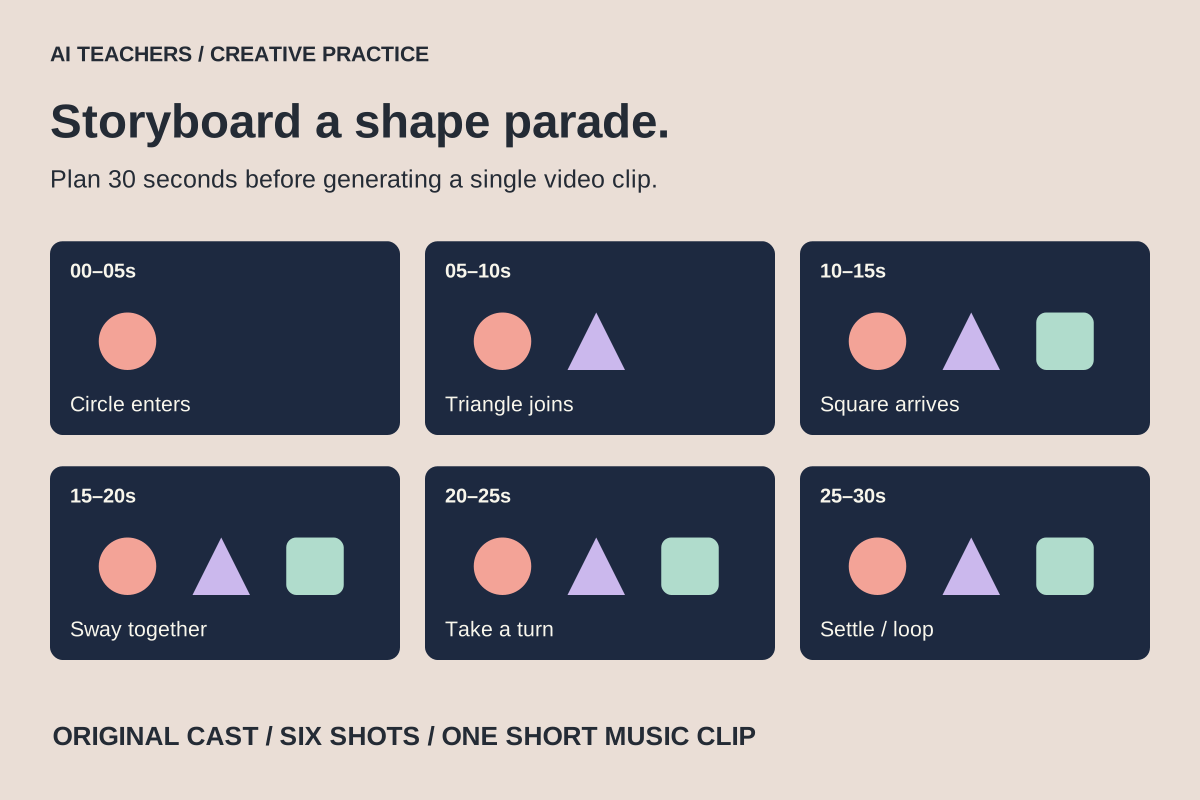 Creative projects · Practical guide
Make colorful music videos with AI: lessons from the Hey Bear format
Plan an original 30-second animation with simple characters, gentle motion and music, using AI images, short video clips and a timeline editor.
October 29, 2026 · 8 min read