Practical automation
Make Maia can plan before it builds. Start with a client intake workflow.
Use Make Maia’s plan mode to design a client intake workflow, review its decisions, and test a useful handoff before enabling live automation.
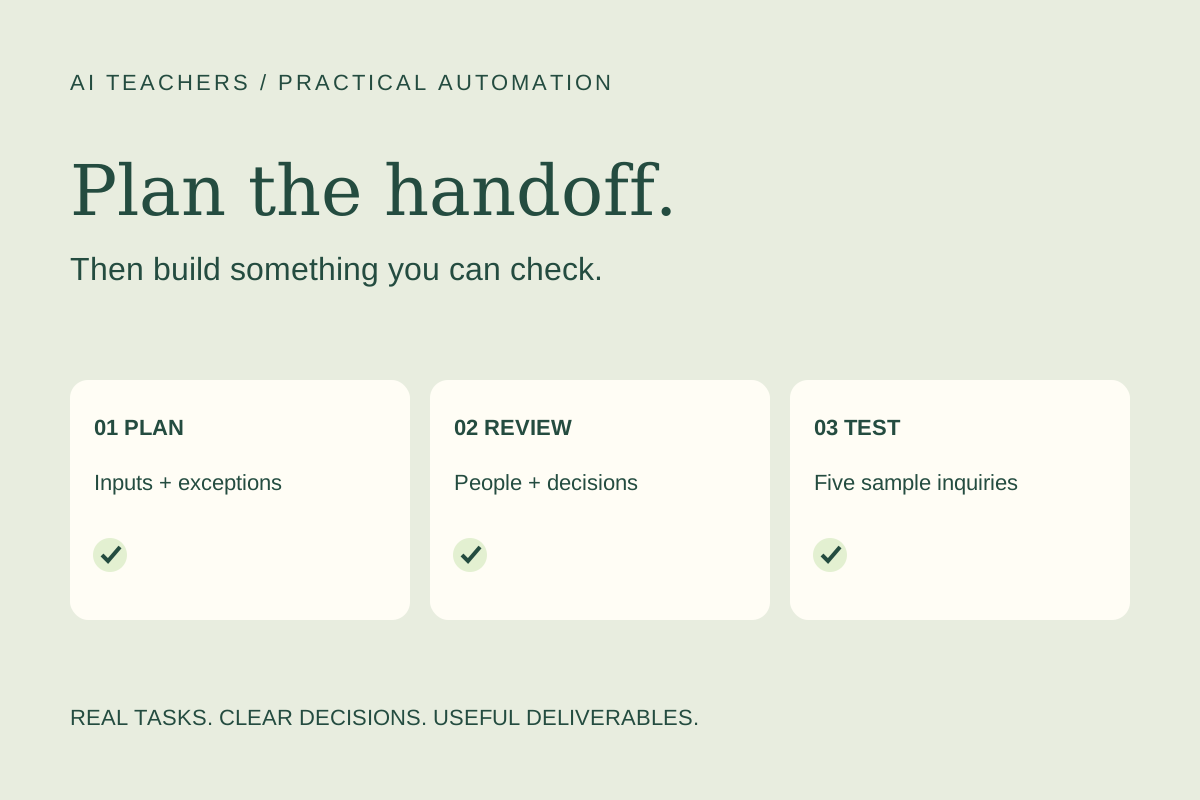
In this guide
The useful starting point
Review the process before you automate it. Use five fictional inquiries to check the handoff, then make a separate decision about live operation.
A client inquiry arrives with a name, an email address, and a paragraph about a project. Someone copies it into a tracker, works out who should respond, and asks for the information the client forgot. That small handoff is a useful place to practice automation because the result is easy to inspect: one accurate intake record with a clear next action.
Make’s October 30, 2026 update adds a better starting point for this work. Maia can now propose a plan for review before building or editing a scenario. The update also includes memory, image input, and help diagnosing errors from scenario runs. Make says these updates are available to all Maia users; Maia remains a public beta on paid plans, with a 30-day Free-plan trial starting at signup. [Source 1]
The exercise below is a proposed AI Teachers workflow. It has not been tested as an implementation. The goal is to leave with a reviewed design and evidence from sample runs, rather than treating a generated scenario as finished work.
1. Define the finished intake record
Choose one type of inquiry, such as a request for a landing-page project. Specify the fields a teammate actually needs: inquiry ID, contact details, requested deliverable, stated deadline, missing information, and assigned reviewer.
Keep the customer’s words separate from your interpretation. “We need this soon” is not a confirmed delivery date. A vague project description should produce a question for review, not an invented scope. Decide what counts as a complete record before asking Maia to build anything.
2. Draw the smallest useful process
Sketch three stages: receive the inquiry, validate the required fields, and place a review item in your chosen destination. Add a separate route for incomplete records. Use fictional information while designing.
You can give Maia a process image for context. Current documentation permits three images per session, in PNG, JPEG, or WebP, up to 1.5 MB each. A simple diagram is enough; the important content is the decision rule at each branch. [Source 2]
3. Ask for a plan and inspect the assumptions
In Maia’s mode selector, choose Plan mode. Review the proposed modules, connections, and scenario preview. The documented choices let you reject, revise, or accept the plan and build. [Source 2]
Ask which account each connection uses, what happens when a field is empty, and how a repeated inquiry will be recognized. If the plan includes an automatic customer reply, remove it from this first exercise. Your initial deliverable is an internal handoff, so outbound communication adds an unnecessary decision.
4. Build against a small test packet
Prepare five fictional inquiries: a complete request, a missing email address, a repeated submission, a vague deadline, and a request outside your service scope. Write the expected result beside each one before running it.
Then build the approved plan using connections you are authorized to use. Compare the resulting records with your expectations. Check whether the correct reviewer receives the work and whether the original inquiry remains traceable. A successful execution alone does not establish that the record is useful.
5. Diagnose one failure deliberately
If a sample run fails, use the run’s “Resolve error with Maia” option to investigate the explanation and proposed correction. This capability reads scenario run data to help troubleshoot. [Source 1]
Review the suggested change before accepting it. A missing value and an unavailable connection need different responses. Rerun the failing example, then rerun a previously successful example to check that the correction did not change the intended behavior elsewhere.
6. Keep a short operating note
Save the approved process, field definitions, test results, and named owner together. Record how a teammate should handle incomplete inquiries and what to do if the automation stops. Decide separately when to enable live operation.
Use this reusable instruction:
Plan an internal client-intake workflow using the apps and sample fields I provide. Show the trigger, required fields, validation rules, duplicate-handling approach, destination, and exception route. Separate customer statements from inferred information. Identify missing decisions and connection requirements. Do not send customer messages or build until I have reviewed the plan.
Plan mode does not guarantee correct business rules. Maia also cannot inspect other scenarios, so describe dependencies explicitly rather than assuming it sees your whole operation. [Source 2] Check the usage and connected-service costs shown for your own setup before repeating large tests.
Bring one recurring intake task to an AI Teachers workshop. The useful outcome is a workflow you can explain, a handoff your teammate can review, and a clear decision about what is ready to run.
Open the free 60-minute workshop and sample inquiries.
Sources and further reading
Sources checked November 2, 2026. Review the linked publisher information for current details.
Put one idea to work
Use one lesson in a small project, explain what you learned, and practice again without relying on the answer.
Try the free workshop →Explore more from AI TeachersGet the free AI at Work Starter Kit →Keep practicing
 Weekly practical briefing
AI updates worth putting to work: November 2, 2026
Plan before building in Make, prepare for n8n 3.0, and turn iCloud messages into a reviewed client brief. Practical next steps for small teams.
November 2, 2026 · 4 min read Practical automation
n8n 3.0 is in beta. Build your migration plan before changing production.
Prepare for n8n 3.0 with a workflow inventory, migration report, realistic test cases, and a reviewed upgrade decision for your small team.
November 2, 2026 · 5 min read