Practical automation
n8n 3.0 is in beta. Build your migration plan before changing production.
Prepare for n8n 3.0 with a workflow inventory, migration report, realistic test cases, and a reviewed upgrade decision for your small team.
In this guide
- The useful starting point
- 1. Inventory outcomes before counting workflows
- 2. Open the migration report with the right reviewer
- 3. Translate each finding into a work item
- 4. Review generated changes as drafts
- 5. Test a business result, including awkward inputs
- 6. Make the upgrade decision explicit
- Sources and further reading
The useful starting point
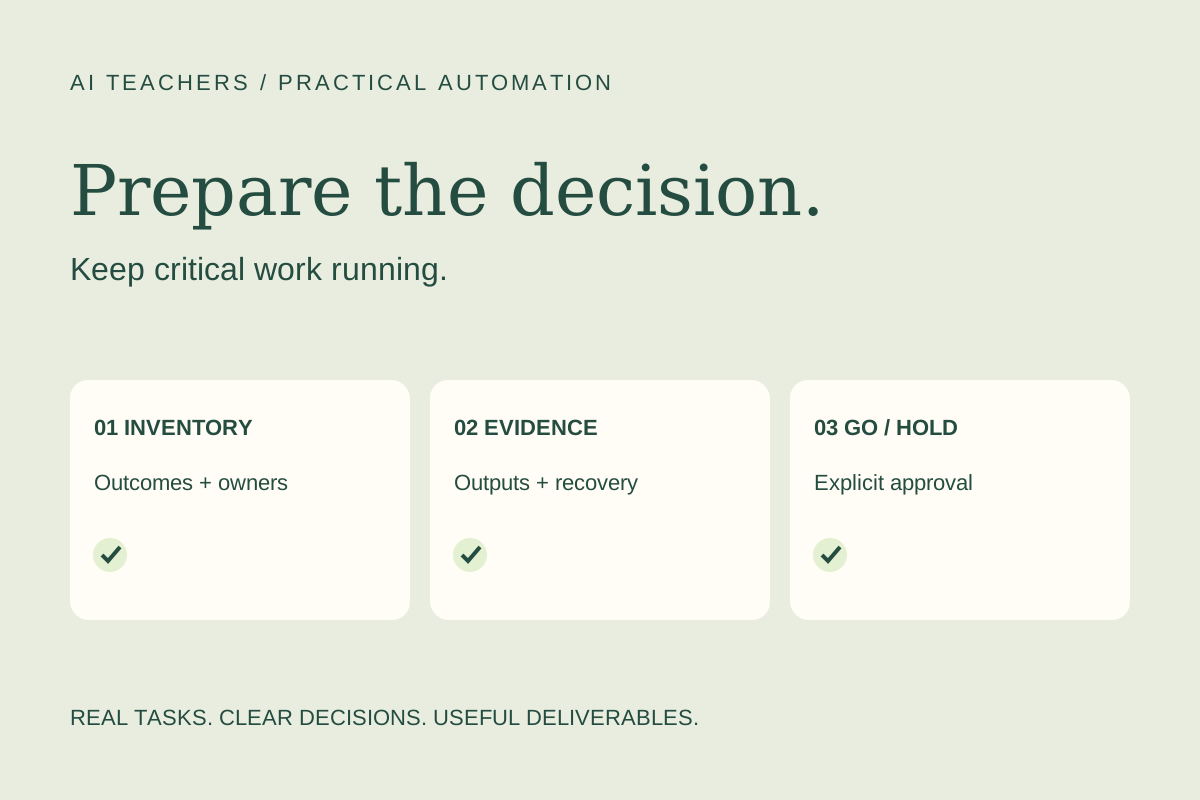
Keep production stable while you inventory critical outcomes, review the migration report, and prepare test and recovery evidence.
The automation that deserves your attention is often the one nobody talks about. It transfers leads, prepares a weekly report, or moves approved content into a production queue. People notice it only when an expected result fails to arrive.
n8n announced version 3.0 beta on October 27, 2026, with the stable release planned for early December. This is a release with breaking changes, not a recommendation to upgrade a working production instance immediately. The beta is available for testing, and n8n warns that moving to 3.x cannot be reversed through a downgrade to 2.x. [Source 1]
For marketers, consultants, and small teams, the practical deliverable this week is a migration readiness pack. That pack should explain which business processes are affected, who owns the decisions, and what evidence is required before an upgrade. The process below is an AI Teachers proposal; it has not been tested against your instance.
1. Inventory outcomes before counting workflows
List the automations people depend on and the finished deliverable each produces. For a lead-routing workflow, that might be a complete CRM record assigned to the correct person. For a reporting workflow, it might be a weekly spreadsheet with the right date range and totals.
Add the business owner, technical maintainer, normal run frequency, and consequence of a missed run. Frequency alone is not enough to set priority. A monthly process tied to a client commitment may matter more than a daily internal convenience.
2. Open the migration report with the right reviewer
n8n says the Migration Report is available from version 2.39 onward and recommends using the latest 2.x release for the newest checks. Find it under Settings → Migration Report. [Source 1]
Have an administrator review the instance settings as well as the workflow findings. Other users see the workflows they can edit, so an apparently clear personal view does not establish that the whole installation is ready. Export the report to create a shared starting point. [Source 2]
3. Translate each finding into a work item
For every affected process, write down what could stop working, the proposed change, the owner, and the evidence needed to close the item. Link the relevant documentation. Separate a technical change from a business decision about retiring an unused workflow.
Avoid marking something “won’t fix” simply to clear the report. Ask whether the process is still needed, whether anything depends on it, and who accepts its retirement. A decision log should make that reasoning visible to someone who joins the project later.
4. Review generated changes as drafts
Some report findings support automatic migration. n8n saves those changes as a new workflow version; the published version continues until the replacement is published. Its documentation explicitly says to test the migrated result. [Source 2]
Use that separation to review the change with the process owner. Compare field mappings, filters, dates, and destinations with the previous version. Do not combine the migration with an unrelated redesign unless you can distinguish and test both changes. Smaller changes are easier to explain when an output differs.
5. Test a business result, including awkward inputs
Create a small, anonymized test packet with expected outputs. For lead routing, include a normal inquiry, a duplicate, a missing owner, an unsupported region, and a delayed submission. For reporting, include an empty period and a record near the date boundary.
Run the tests in a separate environment. Check both the output and the side effects: Was a duplicate record created? Did a notification go to a real customer? Did a retry repeat an action? Keep the evidence beside each result rather than recording only “passed.”
6. Make the upgrade decision explicit
The release changes include Docker-based self-hosting requirements and a shorter default Code-node task-runner timeout. These can require technical preparation beyond editing a workflow. [Source 1] Ask the maintainer to identify the changes that actually affect your installation.
Before production work, document a full backup and a tested recovery approach with that maintainer. A recovery plan must not assume an in-place downgrade is supported. Specify who approves the change, when business owners will verify outputs, and what conditions mean “stop.”
Use this readiness checklist:
- Every critical outcome has a named owner.
- Workflow and instance findings have been reviewed.
- Proposed changes have documentation and test evidence.
- Sample outputs match the business acceptance criteria.
- Backup, recovery, communication, and approval responsibilities are explicit.
- Unresolved issues lead to a hold decision, not a hopeful launch.
An AI Teachers working session is justified when a real migration involves several connected systems, unclear ownership, or a difficult recovery decision. Bring the report and one critical workflow. Leave with a prioritized change list and an evidence-based go-or-hold decision—not a promise that every migration fits into one session.
Open the readiness worksheet and session preparation guide.
Sources and further reading
Sources checked November 2, 2026. Review the linked publisher information for current details.
Put one idea to work
Use one lesson in a small project, explain what you learned, and practice again without relying on the answer.
Try the free workshop →Explore more from AI TeachersGet the free AI at Work Starter Kit →Keep practicing
 Weekly practical briefing
AI updates worth putting to work: November 2, 2026
Plan before building in Make, prepare for n8n 3.0, and turn iCloud messages into a reviewed client brief. Practical next steps for small teams.
November 2, 2026 · 4 min read Practical automation
Make Maia can plan before it builds. Start with a client intake workflow.
Use Make Maia’s plan mode to design a client intake workflow, review its decisions, and test a useful handoff before enabling live automation.
November 2, 2026 · 5 min read