Practical video workflows
Make your first teaching video: one clear lesson, from recording to review
A practical screen-video exercise for adult educators and teams, with transcript editing, caption checks and a learner practice task.
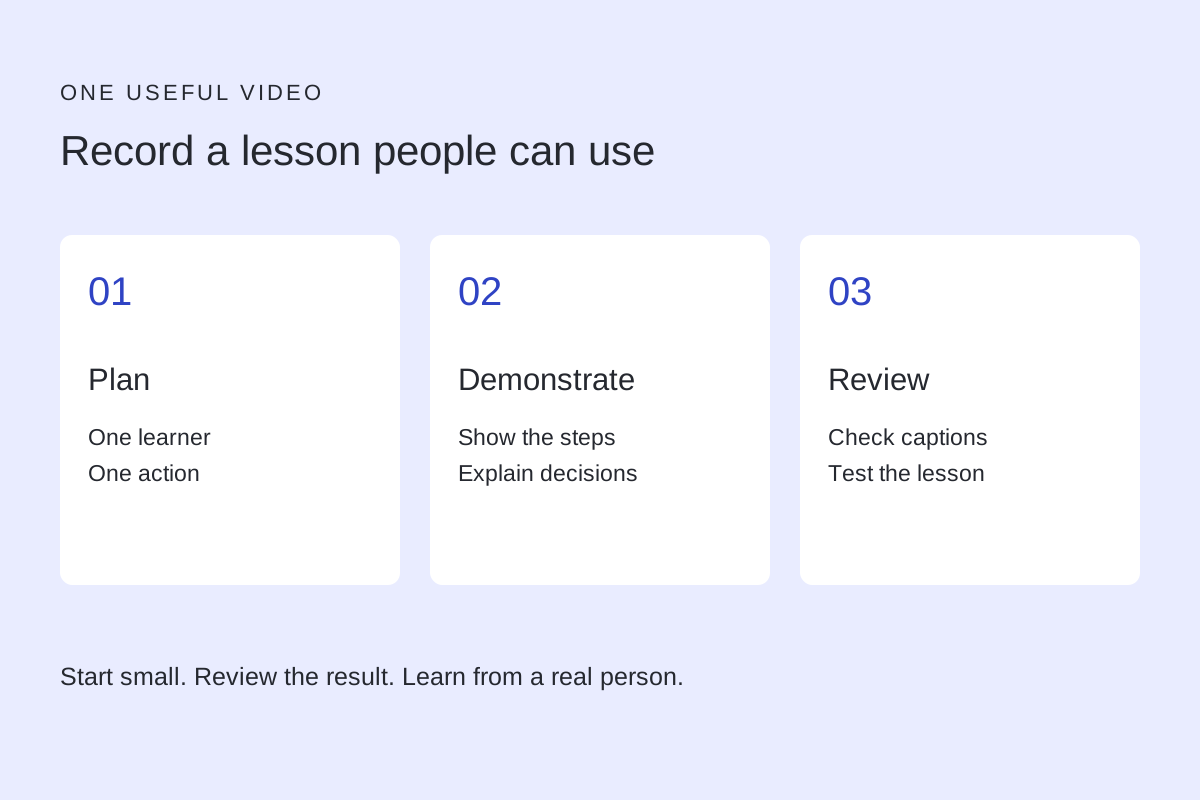
In this guide
Where should I start?
Teach one action with a short screen recording, review the edit and captions, then ask an adult learner to try the task.
A useful teaching video answers one question and gives the learner something to do. Start with a three-minute screen demonstration. Your face does not have to appear, and you do not need a polished studio to practice.
1. Choose one action the learner should finish
Write: “After watching, the learner can ___.” For a first lesson, try organizing three fictional meeting notes into a next-step checklist. Keep the source notes short enough to show on one screen. This is a practice example, not a claim about a customer's results.
Prepare the starting file and the finished example before recording. The two should make the change easy to see.
2. Record a small demonstration
Close private tabs and notifications, enlarge the text and record a short audio sample. Use a fictional account or a document you may share. Explain what you are deciding while you perform the task. If you make a mistake, pause and repeat that sentence; you can choose the clearer take afterward.
Descript supports screen recording, transcript-based editing and captions. It is a practical option when the lesson is mostly spoken explanation. A familiar editor may be enough if you only need to trim the beginning and end.
3. Edit for understanding
Bring in the recording and review the transcript against the audio. Correct names, numbers and specialist terms. Remove repeated starts, but keep the pauses people need to follow the screen. After changing the transcript, watch the corresponding video cut so a needed action is not lost.
Use three checks: can someone see the action, hear the reason and recognize the finished result? Add a short explanation where an unexplained jump makes the task hard to repeat.
4. Make captions part of the lesson
Read every caption while watching the video. Keep captions away from important controls and use clear contrast. If your publishing platform accepts a separate subtitle file, review that option in Descript's export documentation. Watch once without sound and once while listening without looking at the screen.
5. Give the learner a practice task
Use these three fictional notes to write a checklist. Each item needs an action, an owner and a due date only when the source supplies one. Mark missing details as questions. Compare your checklist with the source notes before calling it complete.
Ask one adult learner to try the task with a different set of notes. Where do they pause or ask for help? Revise the explanation based on that observation. A view count alone cannot tell you whether somebody learned the skill.
Your export checklist
- The lesson teaches one observable action.
- No private information appears in the recording.
- Names, captions and screen labels match.
- The learner has a starting file and a practice task.
- The exported video plays correctly on a phone.
Start with one complete lesson before planning a course. Record the time spent preparing, recording, editing and checking so your next attempt has a realistic baseline.
Choose your editing tool
Explore Descript for this workflow (affiliate link). Start with a small sample and check whether the workflow fits your needs.
Sources and further reading
Sources checked November 4, 2026. Review the linked publisher information for current details.
Put one idea to work
Use one lesson in a small project, explain what you learned, and practice again without relying on the answer.
Try the free workshop →Explore more from AI TeachersGet the free AI at Work Starter Kit →Keep practicing
 Weekly practical briefing
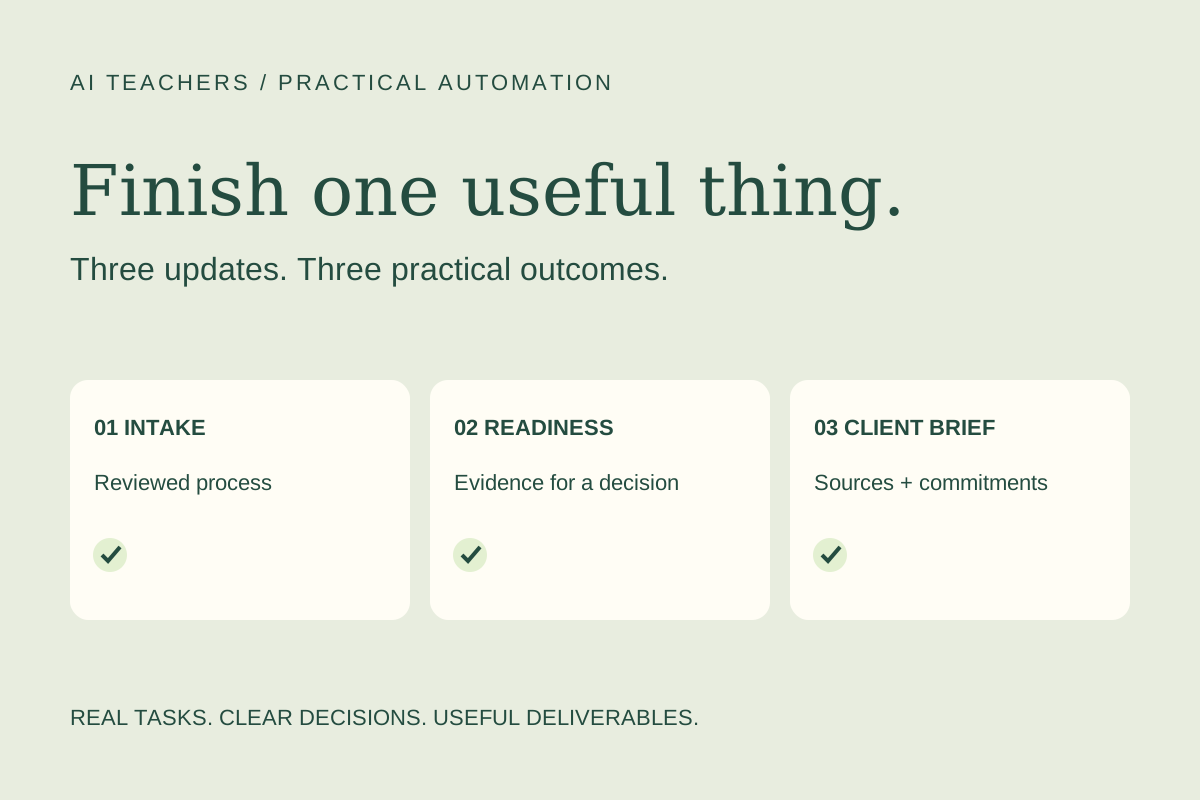
AI updates worth putting to work: November 2, 2026
Plan before building in Make, prepare for n8n 3.0, and turn iCloud messages into a reviewed client brief. Practical next steps for small teams.
November 2, 2026 · 4 min read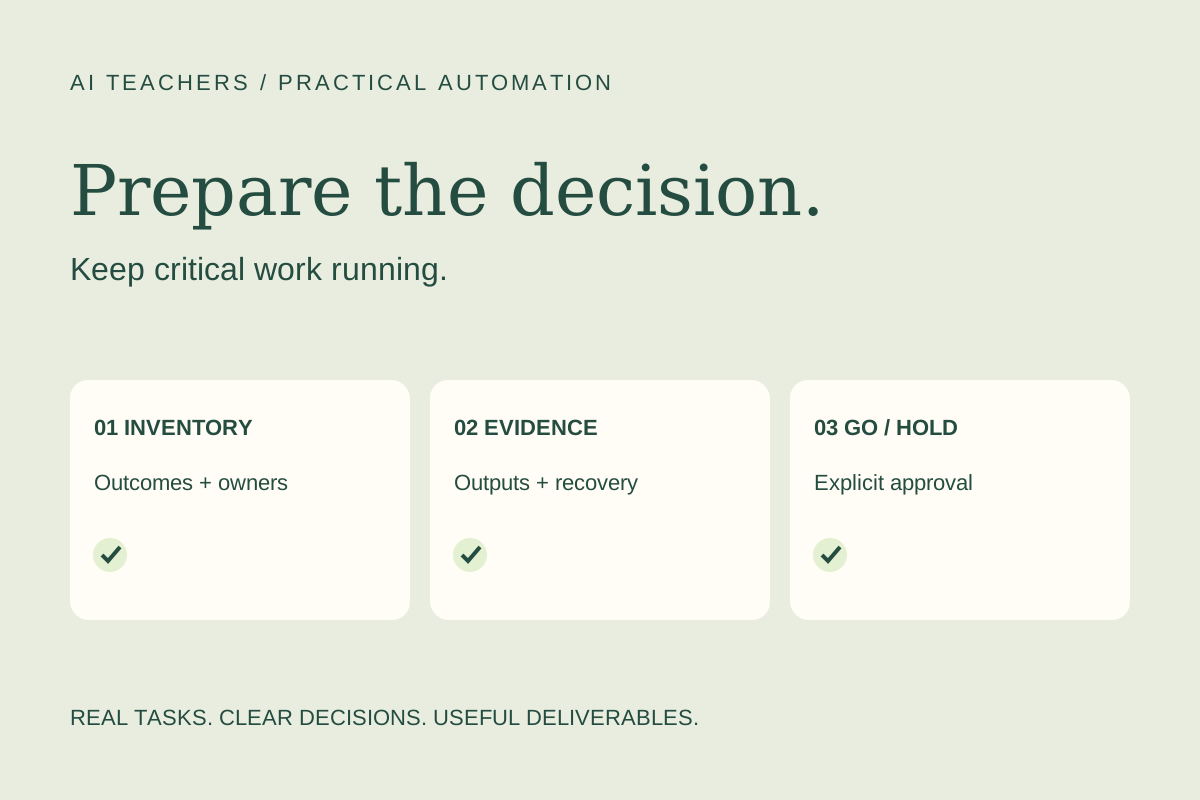 Practical automation
n8n 3.0 is in beta. Build your migration plan before changing production.
Prepare for n8n 3.0 with a workflow inventory, migration report, realistic test cases, and a reviewed upgrade decision for your small team.
November 2, 2026 · 5 min read