AI foundations · A practical learning lab
Teach agent harnesses and inference with one small experiment
A repeatable learning exercise that separates model inference from the tools, permissions, memory, and checks around it. Includes a source sheet and worksheet.
In this guide
- How can I understand inference and agent harnesses by doing?
- Three terms to learn before the experiment
- Describe: make a source sheet with an intentional gap
- Create: compare an answer with a managed task
- Deliver: inspect the work, then trace the loop
- Repeat: change one condition
- Copy the learning worksheet
- Sources and further reading
How can I understand inference and agent harnesses by doing?
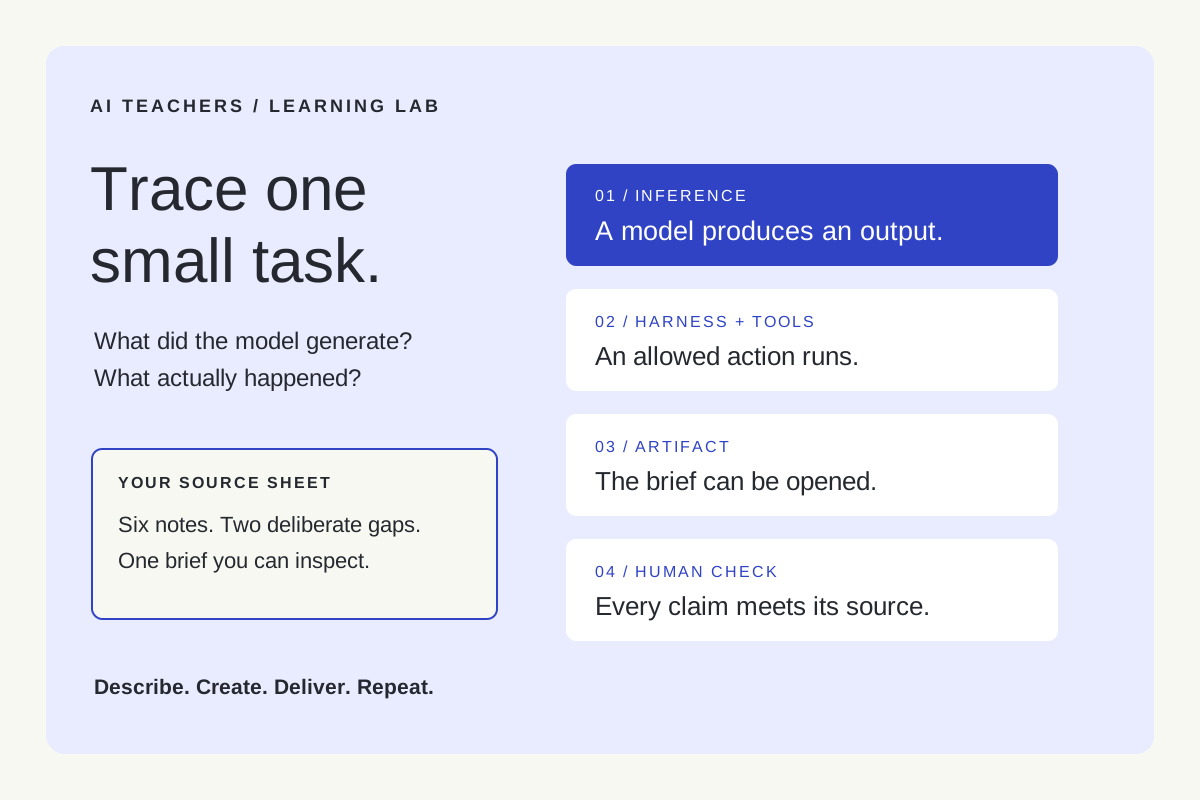
Give an AI one fictional source sheet and a small deliverable. Trace what the model generates, which tools actually run, what gets saved, and how the result is checked. Inference produces an output; the harness organizes the session around those outputs. Inspect the artifact before calling the task complete.
A confident answer can hide a surprisingly ordinary problem: nobody checked the work. You ask for a meeting summary, receive polished paragraphs, and discover that an unresolved question has become a decision.
This short lab makes that gap visible. It is designed for individual learners, teachers, and small teams. You need an AI assistant, a text editor, and the fictional notes below. A tool-enabled assistant lets you observe a real agent workflow; an ordinary chat lets you simulate the surrounding steps yourself. No programming is required.
Three terms to learn before the experiment
| Term | Meaning | What to notice |
|---|---|---|
| Model | The trained system that processes the supplied input and produces an output. | It can suggest text or request an available tool. |
| Inference | Using that trained model on new input. | A response or tool request is generated. Ordinary inference does not retrain the model. |
| Agent harness | The software around the model that manages context, tool execution, permissions, and session state. | A requested action is checked, executed when allowed, and its result returned. |
These definitions follow Cloudflare’s glossary and the VS Code explanation of agent harnesses. Training changes the model’s learned parameters. Giving an existing model clearer notes changes its input. Saving a correction in a project file changes the environment. Those are different activities.
An agent workflow can involve several rounds of inference: read the request, ask for a file, inspect the returned text, produce a draft, and react to a check. A harness can coordinate that loop. It does not guarantee that every decision inside it is correct.
Describe: make a source sheet with an intentional gap
Copy this fictional material into a file called club-notes.txt, or paste it into a chat. Keep the lines and labels intact.
Fictional community learning club — planning notes
N1. The next session is Tuesday, 17 November, at 6 pm.
N2. The topic is checking claims in AI-generated summaries.
N3. Morgan will prepare three practice examples by Friday.
N4. The room booking has not been confirmed.
N5. The team discussed recording the session but made no decision.
N6. Riley will check the room booking. No deadline was agreed.
The deliverable is a brief with three sections: confirmed facts, actions, and open questions. Every entry must cite its note label. The output must preserve the missing deadline and the undecided recording question.
Before using AI, write your expected answer to two questions: Is recording approved? When is Riley’s task due? This gives you an independent reference instead of asking the assistant to invent its own answer key.
Create: compare an answer with a managed task
First, ask: “Summarize these notes for the club.” Save the response as version A. Then start a fresh conversation with the same source sheet and use this task card.
Create a reviewable club brief from club-notes.txt.
Use only the supplied notes. Preserve uncertainty.

Output:
1. Confirmed facts, with source labels.
2. Actions: owner, task, deadline, source label.
3. Open questions.

Write "not agreed" for a missing deadline.
Do not turn discussion into a decision.
If file tools are available, save club-brief.md in the
exercise folder, then read it back and check each entry.
If tools are unavailable, return the brief and label the
save/read-back steps "manual"; do not claim they happened.

Stop after two revision attempts, or sooner if the checks pass.
Report unresolved issues. Do not send or publish the brief.
This is version B. The instructions describe the workflow; they do not create a software harness by themselves. The application must actually offer the necessary tools and enforce its configured permissions. If you perform the file steps, record them as human actions.
Keep the model and source material the same where your interface allows it. The comparison changes several instructions at once, so it is a learning exercise rather than proof that one feature caused an improvement.
Deliver: inspect the work, then trace the loop
Open the saved brief, or inspect the returned text. Check the two deliberate gaps first. Recording should remain undecided. Riley’s deadline should remain “not agreed.” Then check that each stated fact or action has the correct source label.
Anthropic’s evaluation guidance distinguishes an agent’s account of its work from the outcome it actually produced. Apply that distinction here: “I saved and checked the brief” is a claim. An accessible file containing the checked brief is evidence.
Now reconstruct the visible sequence. Do not infer hidden reasoning or invent tool events.
| Observed event | How to label it |
|---|---|
| The assistant proposes an entry. | Model output from inference. |
| The app requests permission or runs a file tool. | Harness and tool activity. |
| You open the file and compare it with N1–N6. | Human verification. |
| A correction is saved for another session. | Persistent task state, not evidence of retraining. |
Repeat: change one condition
For a second round, change N6 to include a deadline. Keep the task card unchanged. Does the new brief use the new source, or repeat the previous missing value? Record what happened, including failures.
Then try a handoff: begin a new session with the source sheet, latest brief, and a short record of completed checks and unresolved questions. Anthropic’s work on longer tasks explains why clear artifacts and progress records help across limited context windows. Here, you can see exactly which information you supplied to the next session.
You do not need multiple agents. Adding a separate reviewer is an optional design choice, and its verdict still needs evidence. A second AI response can repeat the same mistake.
Copy the learning worksheet
DESCRIBE
Task and source version:
Expected answers to the two deliberate gaps:
What counts as a usable brief:

CREATE
Model/app and date:
Instructions used:
Tools actually available:
Actions performed by a person:

DELIVER
Artifact location:
Correct facts / total checked:
Missing or invented details:
Observed tool events:
Unresolved issues:

REPEAT
One condition changed:
What happened on the next run:
One improvement to the workflow:
What I can now explain without AI:
Finish by explaining the difference between inference and a harness to someone else using your own trace. If you can point to the generated answer, the executed actions, the saved state, and the independent check, the terms have become practical knowledge.
Continue with our guide to harnesses, loops, and graphs, or adapt the exercise in the free AI workshop. Describe. Create. Deliver. Repeat.
Sources and further reading
- Cloudflare: AI glossary and inference
- Visual Studio Code: understand agent harnesses
- Anthropic: demystifying evaluations for AI agents
- Anthropic: effective harnesses for long-running agents
Sources checked November 5, 2026. Review the linked publisher information for current details.
Put one idea to work
Use one lesson in a small project, explain what you learned, and practice again without relying on the answer.
Try the free workshop →Explore more from AI TeachersGet the free AI at Work Starter Kit →Keep practicing
 Practical video workflows
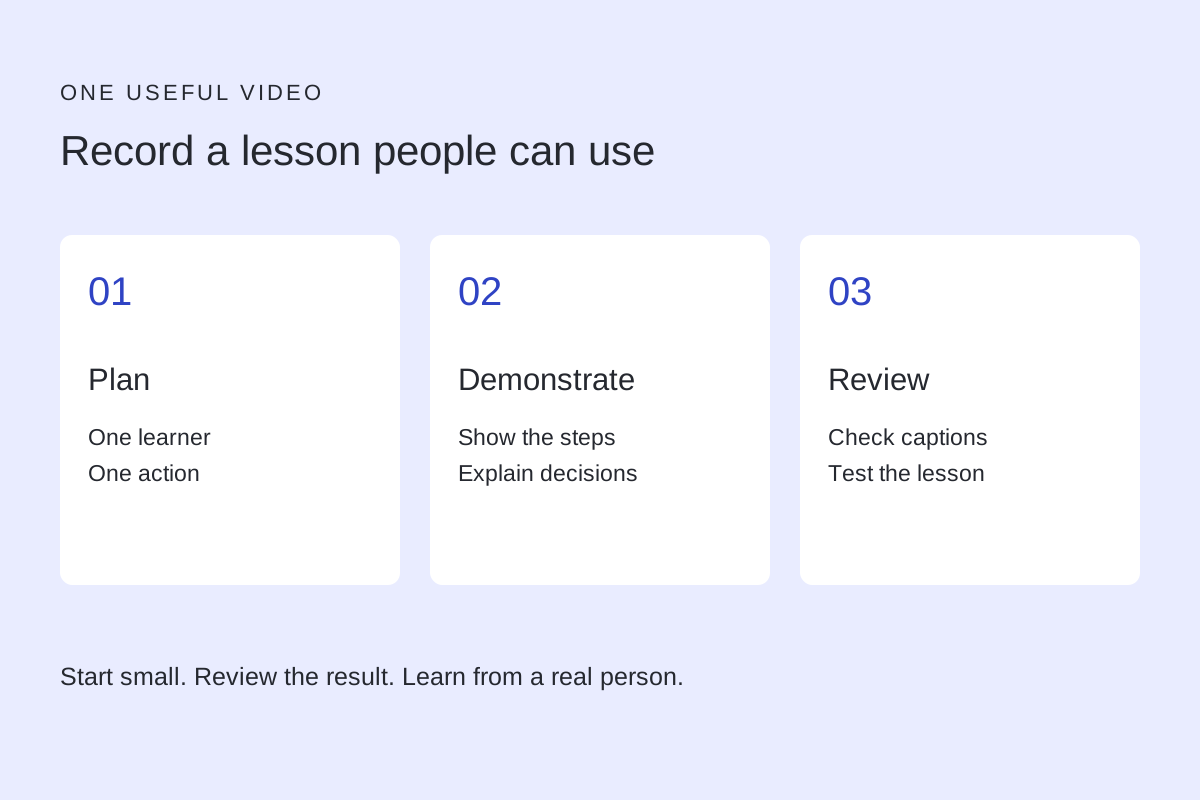
Make your first teaching video: one clear lesson, from recording to review
A practical screen-video exercise for adult educators and teams, with transcript editing, caption checks and a learner practice task.
November 4, 2026 · 5 min read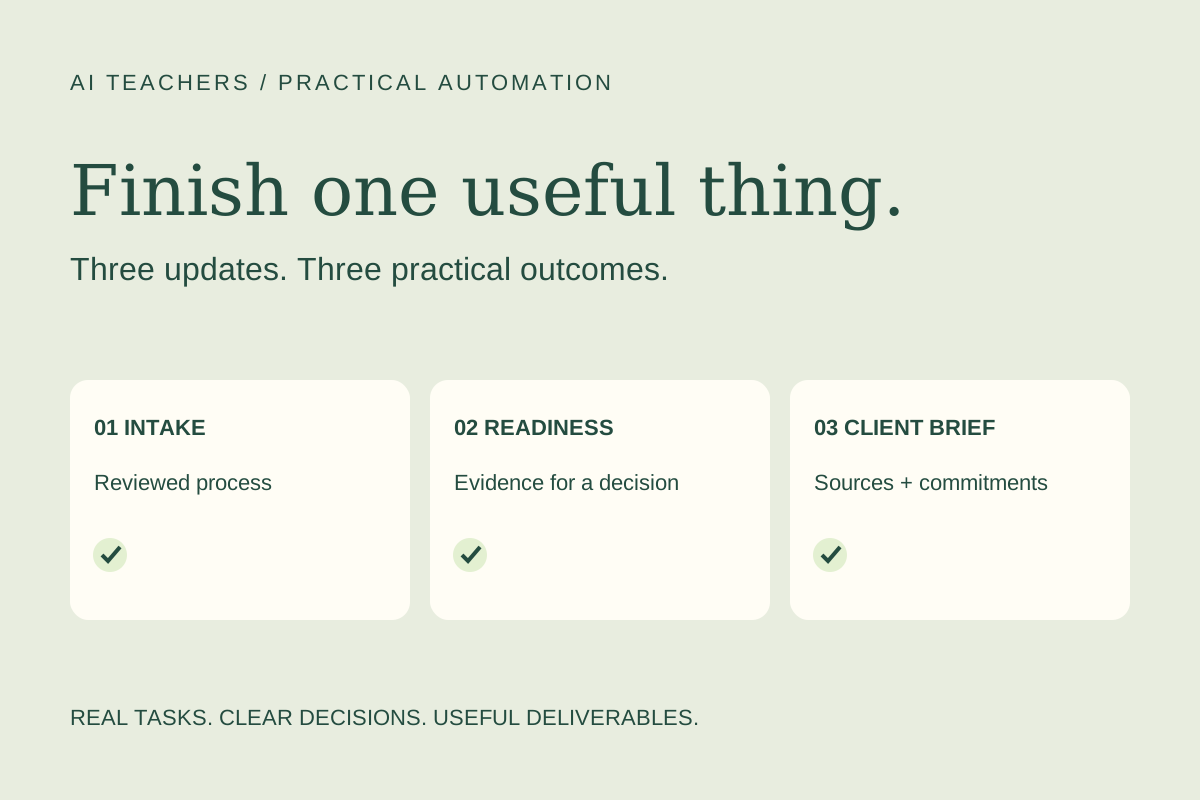 Weekly practical briefing
AI updates worth putting to work: November 2, 2026
Plan before building in Make, prepare for n8n 3.0, and turn iCloud messages into a reviewed client brief. Practical next steps for small teams.
November 2, 2026 · 4 min read